
macOS 27 breaks wheel detection on CrossOver: here is what to do
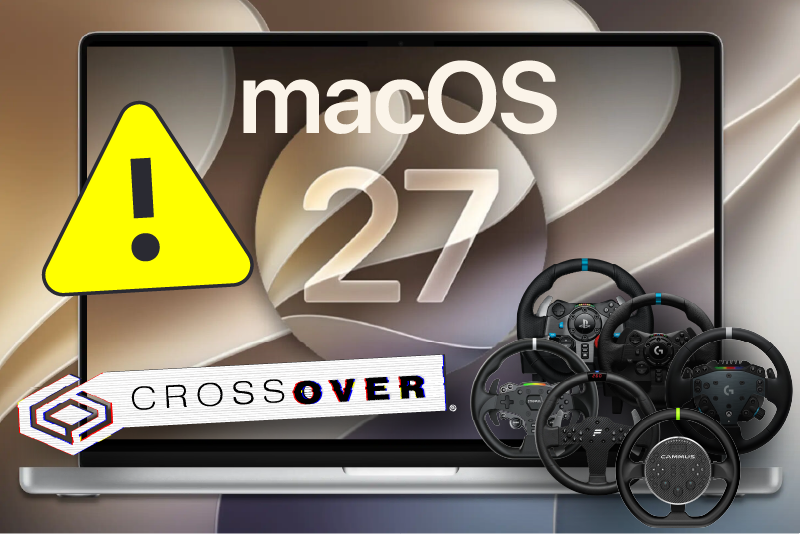
If you updated to macOS 27 “Golden Gate” and your wheel stopped showing up in CrossOver entirely (no steering, no pedals, no buttons, not just missing force feedback) this is not a Torqer problem and not a broken wheel.
✅ Torqer fixes this problem in the latest version (7.3). Please update Torqer, then click Update (or Install) on every bottle and wrapper in the Install tab. The fix is applied when Torqer FFB is installed in a bottle, not when the app itself updates. Full steps in What to do.
What’s happening
macOS 27 breaks CrossOver’s ability to see game controllers at all. Configure Game Controllers in CrossOver shows nothing, and games running inside CrossOver get no input from the wheel (not just no force feedback).
This is separate from the normal Mac FFB gap. It’s a full enumeration failure: the wheel is connected, and macOS sees it fine, but CrossOver/Wine simply never receives it.
In short: this is a macOS 27 + CrossOver compatibility break, not a hardware, driver, or Torqer issue. Torqer 7.3 now works around it for each bottle and wrapper.
What to do
Apply the Torqer 7.3 fix to each container:
- Update Torqer to 7.3. Use the in-app update prompt, or download the latest version.
- Quit CrossOver (and Sikarugir) completely.
- Open Torqer’s Install tab and click Update (or Install) on every bottle and wrapper you use.
- Restart your game.
You only need to do this once per container. Upgrading from an earlier Torqer version? The same Update click adds the fix — there’s no need to uninstall Torqer FFB or edit any files by hand.
Tip: If a bottle shows a green “FFB installed” badge and no Update button, it’s already up to date. If the wheel still isn’t detected afterwards, click Uninstall on that bottle and then Install to rewrite the per-container fix.
If you use a Sikarugir wrapper
Sikarugir has no CrossOver config file, so Torqer applies the same fix to the wrapper itself. Two things to keep in mind:
- After applying the fix, launch the wrapper from Finder or the Dock — not by running its inner launcher from Terminal, and not from Sikarugir’s Configure tool. Those launches bypass the fix.
- If the wheel still isn’t detected, you can force the setting once from Terminal:
open --env SDL_JOYSTICK_MFI=0 "/path/to/YourWrapper.app" - Or contact us and we’ll help you get it working.
A note on gamepads
The fix works by turning off macOS’s game-controller layer for that container. If you use a gamepad (Xbox, PlayStation, or similar) in the same bottle or wrapper as your wheel, it may stop being recognised there. If that affects you, uninstalling Torqer FFB from that bottle restores gamepad use — and you can contact us. We’re working on a cleaner option.
Separate issue: Logitech G920 and CrossOver 26.3.0
Unrelated to the macOS 27 problem above, some Logitech G920 users have reported force feedback issues specifically on CrossOver 26.3.0 — the wheel is detected and steers normally, but FFB doesn’t work correctly.
If that matches what you’re seeing on a G920:
- Stay on (or roll back to) CrossOver 26.2.0 rather than 26.3.0.
- If you’ve already updated CrossOver, you can download previous versions from CodeWeavers’ archive: CrossOver version archive
- Contact us with your exact CrossOver version and setup so we can track it alongside CodeWeavers.
Is this the same as the normal “no FFB” problem?
No. If your wheel steers and the pedals/buttons work but the wheel just feels dead, that’s the standard Mac FFB gap and Torqer is the fix for it — see No force feedback on Mac: why it happens and how to fix it.
The macOS 27 issue described here is different: the wheel doesn’t register as an input device inside CrossOver at all. If you’re not sure which one you’re hitting, the quickest check is Configure Game Controllers inside CrossOver — if your wheel isn’t listed there, apply the Torqer 7.3 fix above.
Current status
macOS 27 (Golden Gate): CrossOver wheel enumeration was broken. Fixed in Torqer 7.3 via a per-bottle update — verified on macOS 27 with Logitech G29 and Thrustmaster T128, in both CrossOver and Sikarugir.
CrossOver 26.3.0 + Logitech G920: FFB-specific issue reported. Workaround: use CrossOver 26.2.0.
If you run into something not covered here, you can always contact us.