⚠️ macOS 27 (Golden Gate) breaks wheel detection on CrossOver 26: stay on macOS 26 (Tahoe) for full FFB. Details →
Skip to content
Torqer
  • FAQ
  • Guides
  • Contact
  • ☕️
DOWNLOAD
Torqer

FORCE FEEDBACK FOR YOUR MAC

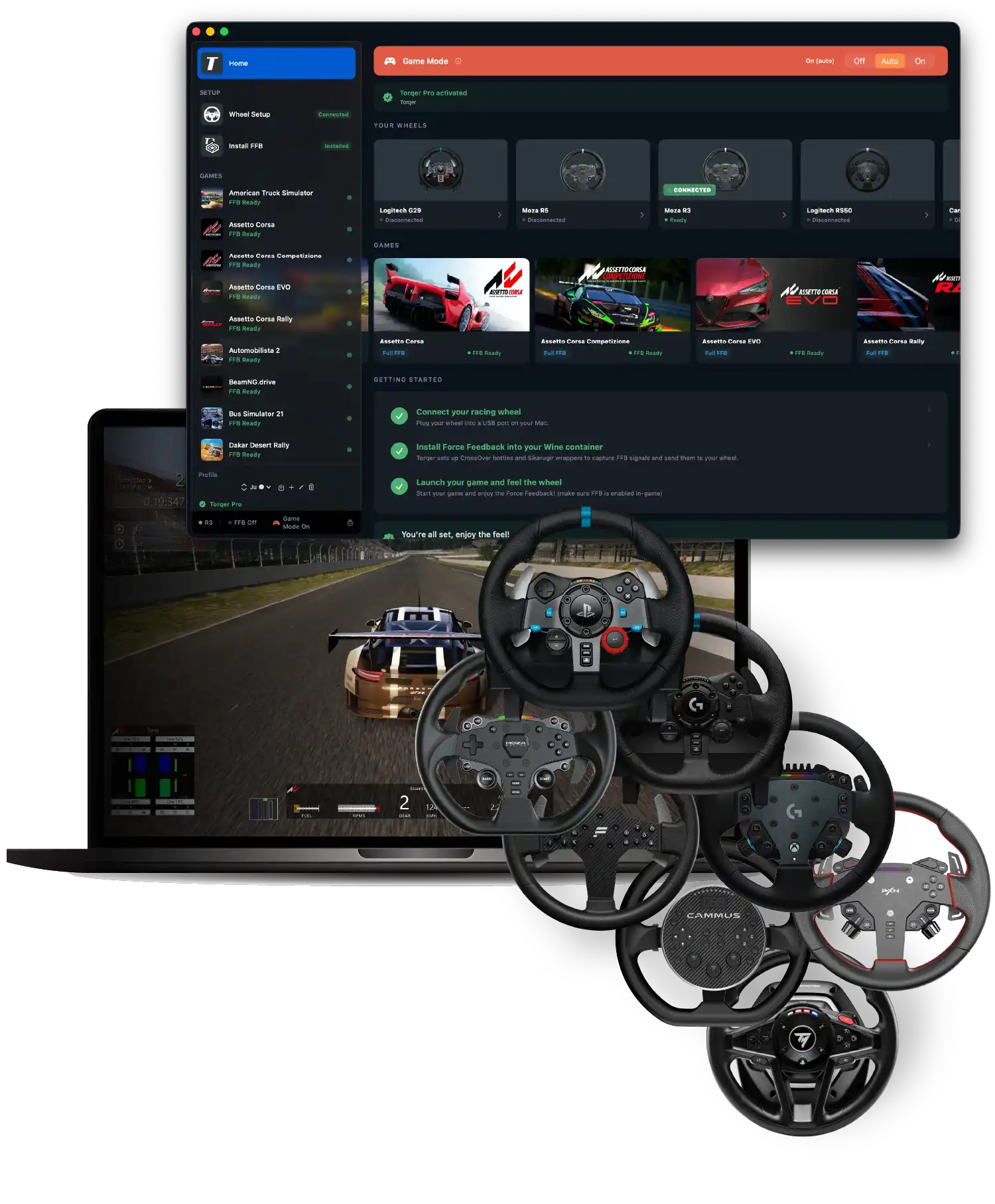
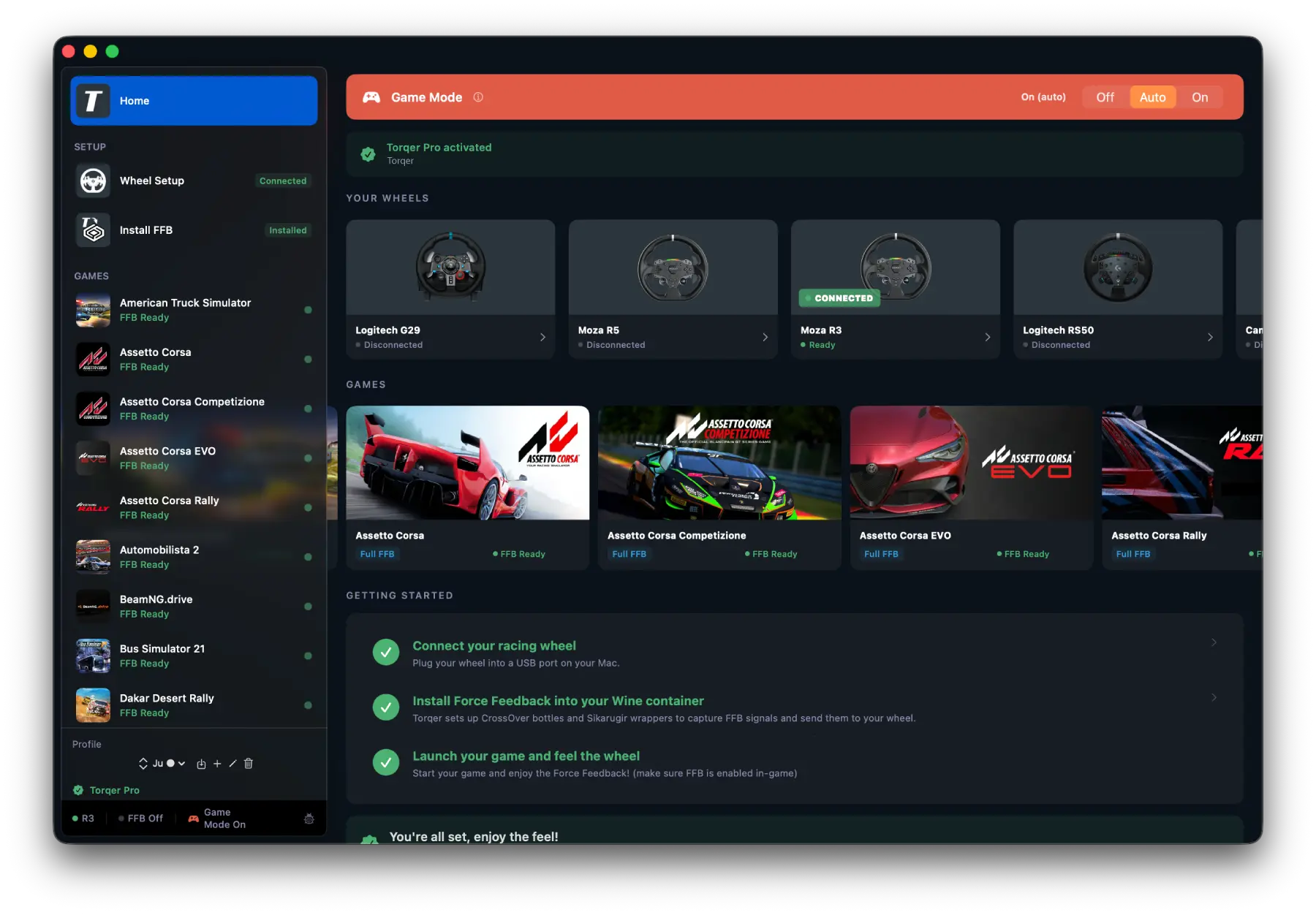
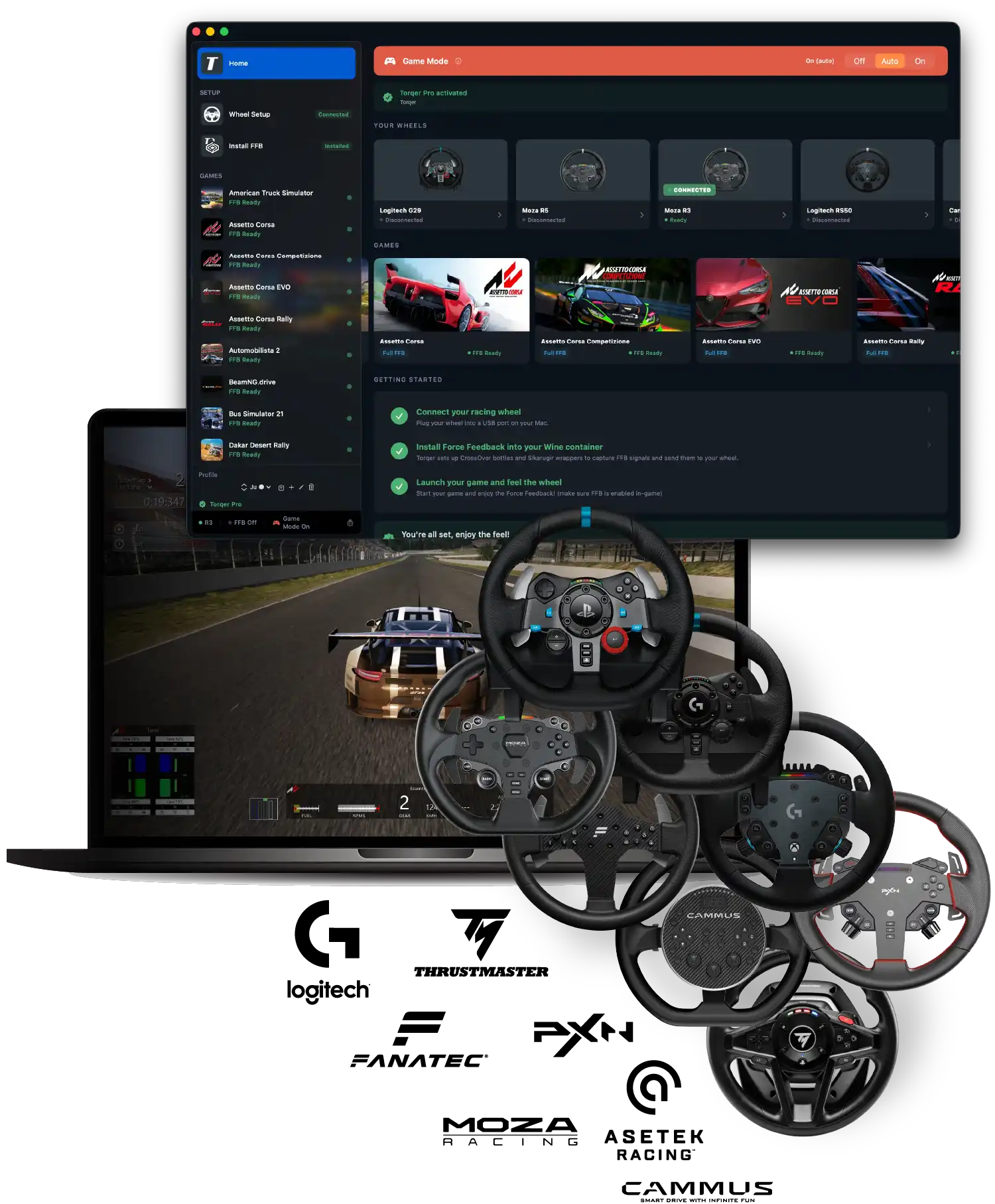
The all-in-one macOS app adding full Force Feedback for Logitech, Moza, Fanatec, Asetek and Cammus wheels in tested games running via CrossOver, Heroic and Sikarugir.

Download Torqer

✓ Verified FFB support for 20+ Windows games
Assetto Corsa, Automobilista 2, BeamNG, RaceRoom, Euro Truck Simulator 2…

✓ Supports most popular wheels
Logitech G29, G920, G923, RS50, G Pro, Moza R3, R5, R9, R12, R16, R21, R25, Fanatec DD, Cammus C5, Asetek La Prima…

✓ $12 / 10€ lifetime license
No subscription (5-day free trial)
Compatible with
CrossOver
Heroic Games Launcher
Sikarugir

GET FULL NATIVE FORCE FEEDBACK
AND ADVANCED HAPTICS WITHOUT WINDOWS

Feel the road on your Mac without a gaming PC.
Torqer lets you feel native FFB + custom haptics that you won’t even get on Windows.
NATIVE FFB

Torqer connects to the game’s direct FFB inputs so that you can feel your car just like on a Windows gaming PC: car weight, suspension response, tire behavior… Torqer lets you feel all your games’ built-in Force Feedback.

GEAR SHIFT HAPTICS

Torqer captures telemetry events like gear changes, and sends immersive haptics to your wheel so you can really feel like you’re in a real car.

ABS/TC HAPTICS

Take your FFB experience beyond the standard of gaming PCs and improve your performance with ABS activation + Traction Control triggering haptics, felt right through your wheel so you can race to the limit.
FREE DOWNLOAD
COMPATIBLE WHEELSCOMPATIBLE GAMES

NATIVE FORCE FEEDBACK
FOR TOP RACING GAMES ON MACOS

Force Feedback support was manually verified by our team for the games below.

Many other games are already supported in Torqer. Test them and let us know how it goes!
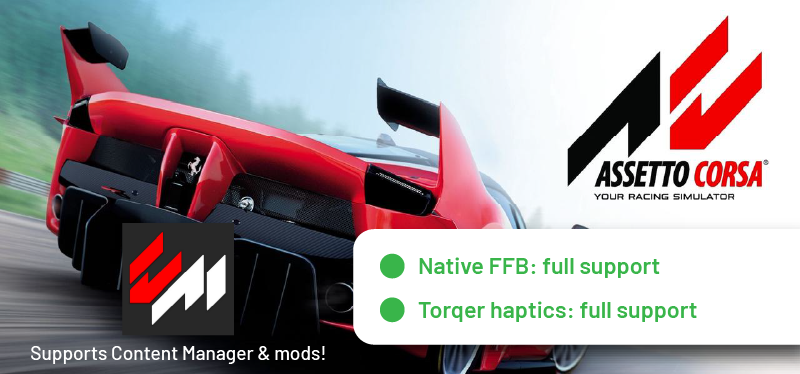
  • Assetto Corsa: fully compatible native FFB & haptics. Also compatible with Content Manager and mods.
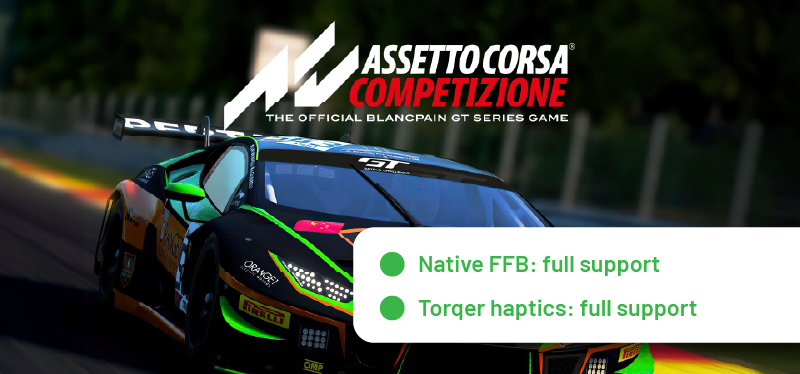
  • Assetto Corsa Competizione: fully compatible native FFB & haptics.
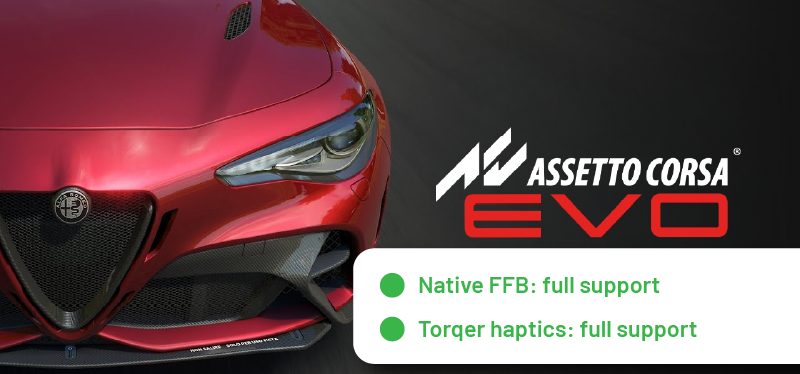
  • Assetto Corsa Evo: fully compatible native FFB & haptics.
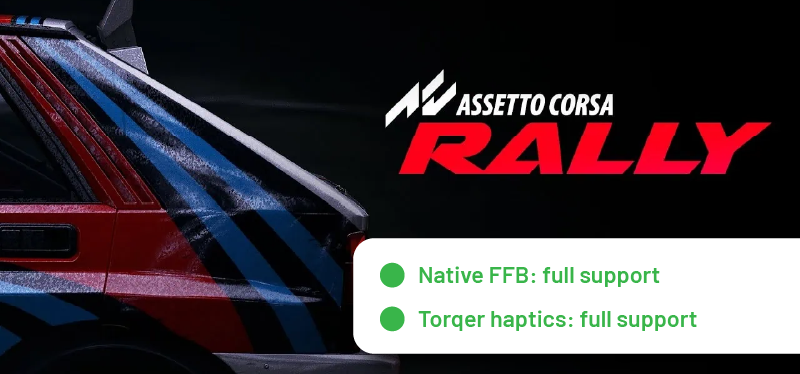
  • Assetto Corsa Rally: fully compatible native FFB & haptics.
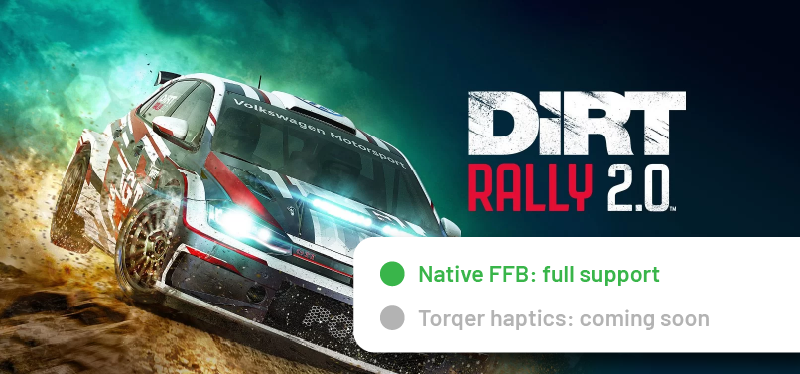
  • Dirt Rally 2.0: fully compatible with native FFB.
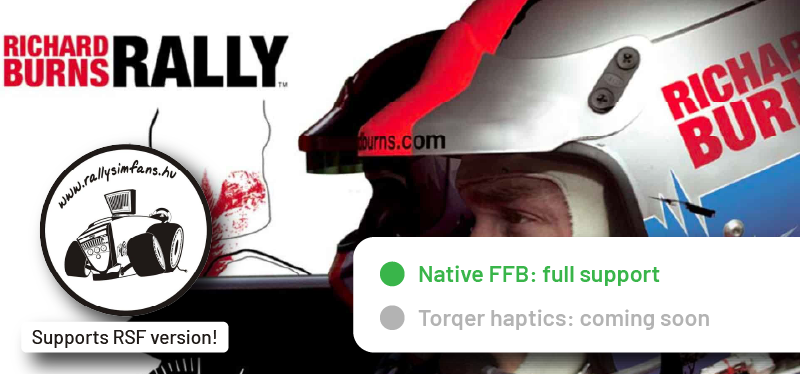
  • Richard Burns Rally (RSF): fully compatible with native FFB.
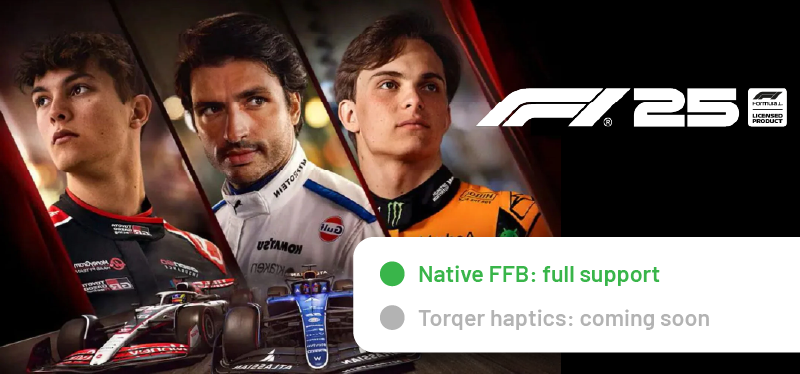
  • F1 25: fully compatible with native FFB.
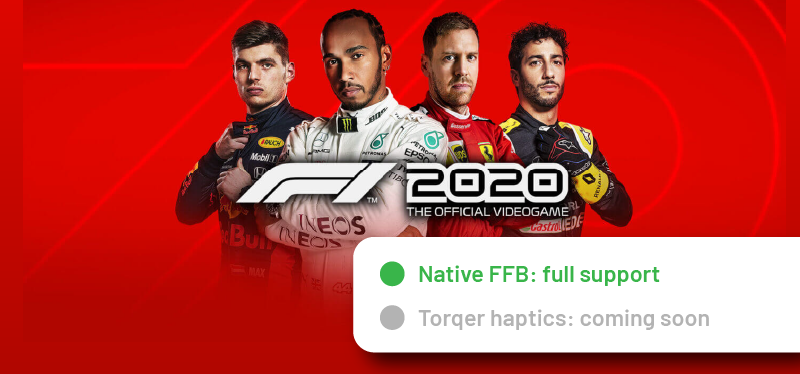
  • F1 2020: fully compatible with native FFB.
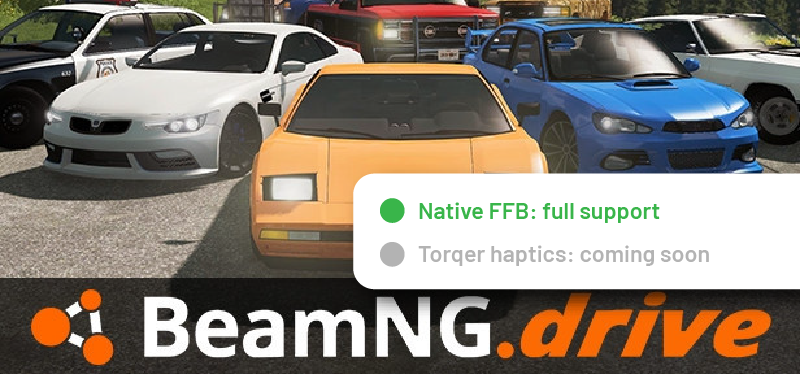
  • BeamNG: fully compatible with native FFB.
  • RaceRoom: fully compatible with native FFB.
  • Kartkraft: fully compatible with native FFB.
  • Automobilista 2: fully compatible with native FFB.
  • rFactor 2: fully compatible with native FFB.
  • Live for Speed: fully compatible with native FFB.
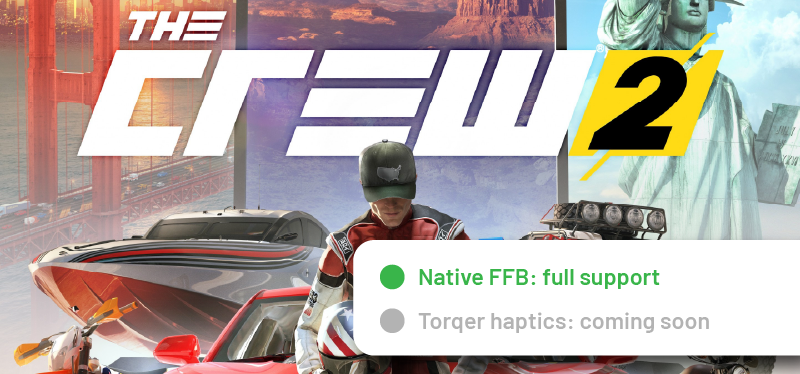
  • The Crew 2: fully compatible with native FFB.
  • Dakar Desert Rally: fully compatible with native FFB.
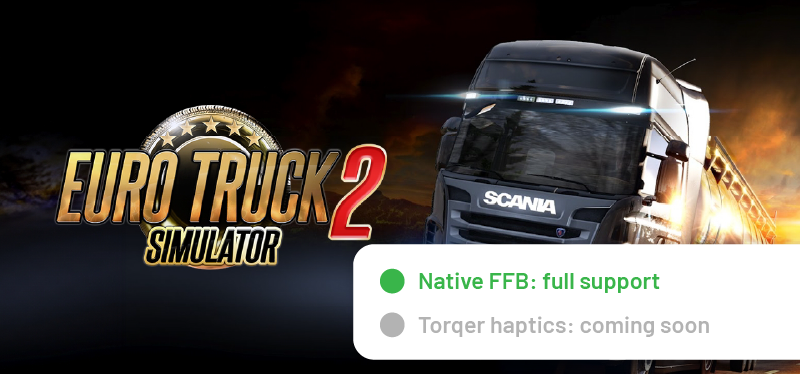
  • Euro Truck Simulator 2: fully compatible with native FFB.
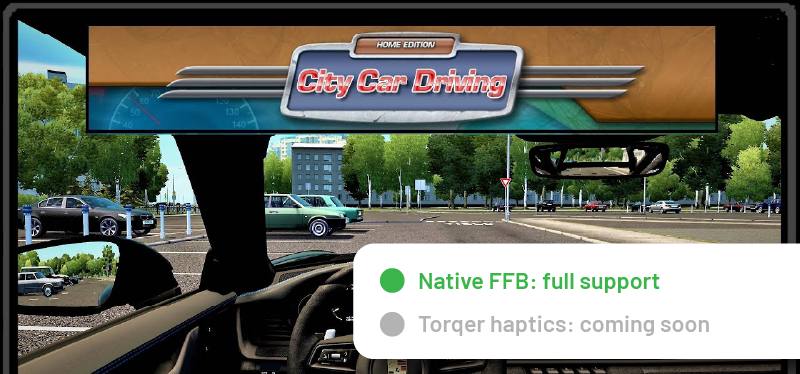
  • City Car Driving: fully compatible with native FFB.
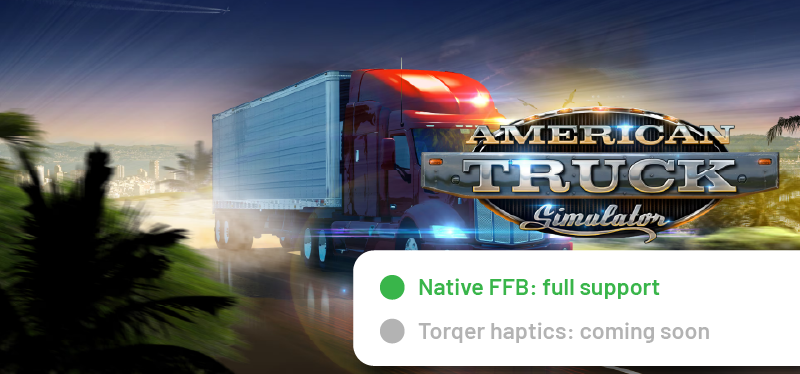
  • American Truck Simulator: fully compatible with native FFB.
  • Roadcraft: fully compatible with native FFB.
  • Mudrunner: fully compatible with native FFB.
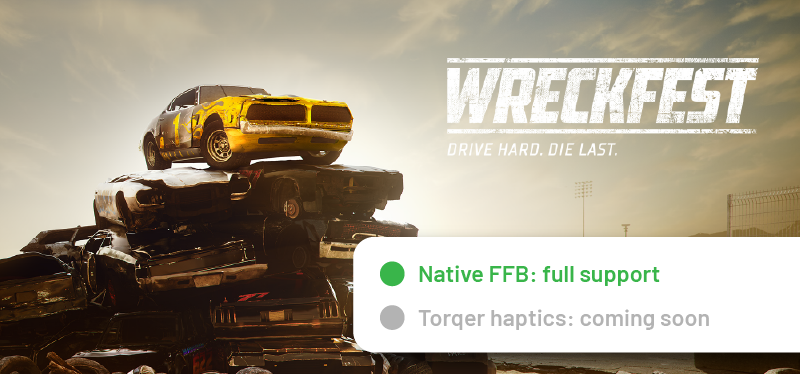
  • Wreckfest: fully compatible with native FFB.
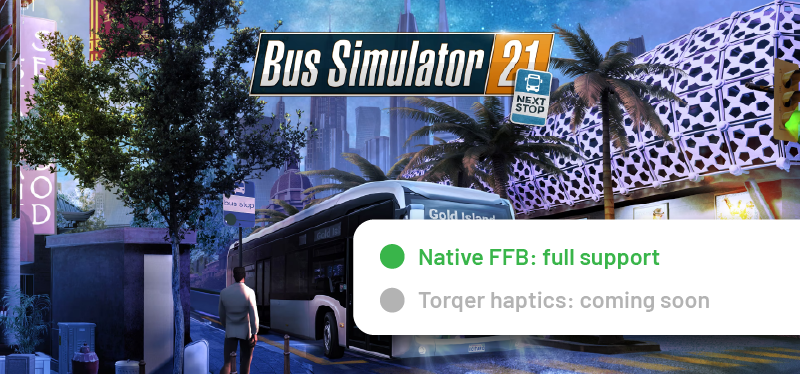
  • Bus Simulator 21: fully compatible with native FFB.
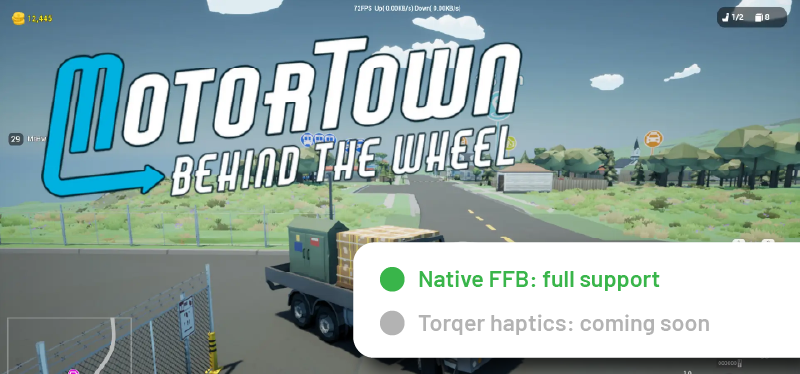
  • MotorTown: fully compatible with native FFB.
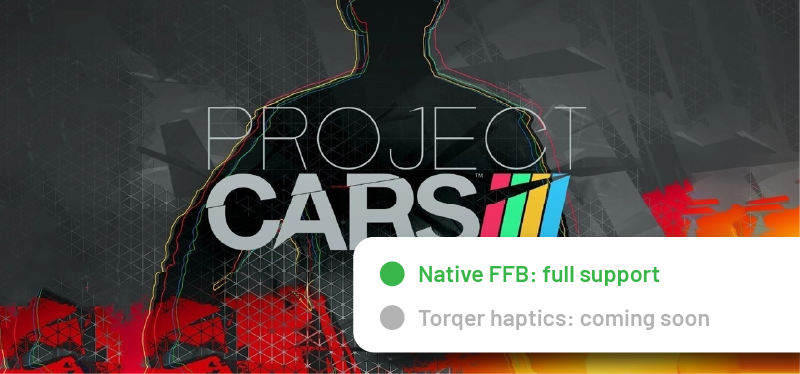
  • Project CARS: fully compatible with native FFB.
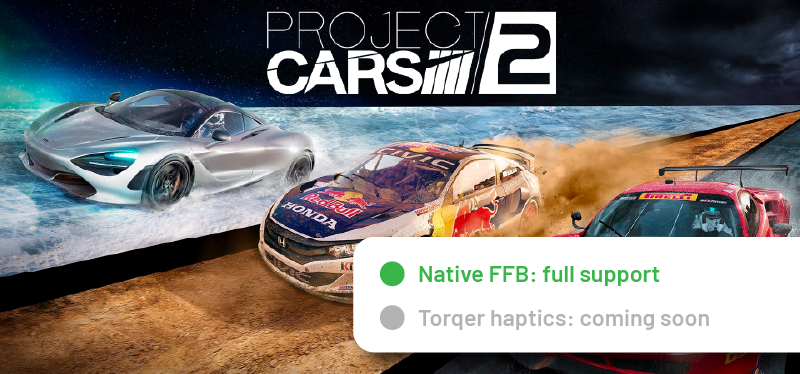
  • Project CARS 2: fully compatible with native FFB.
  • Le Mans Ultimate: FFB support coming soon (doesn’t run on CrossOver yet)
  • Kart Racing Pro: FFB support coming soon
  • Need For Speed: Heat: FFB support coming soon
  • Snowrunner: FFB support coming soon (doesn’t run on CrossOver yet)
  • Many other games are already supported by Torqer but are yet to be tested by us. Test them and let us know how it goes!
Don’t see your favorite game in the list?

If your game runs on CrossOver / Heroic / Sikarugir, there are good chances that it is supported by Torqer already.
If not, you can request it below.

Request a game

PLUG & PLAY FOR YOUR WHEEL ON MAC

Compatible with Logitech, Moza, Fanatec, Cammus, Asetek, and more.

Torqer FFB Wheel Checker
Check out the full wheel list ↓

COMPATIBLE WHEELS

If you need guidance with beta-supported wheels, make sure to contact us.
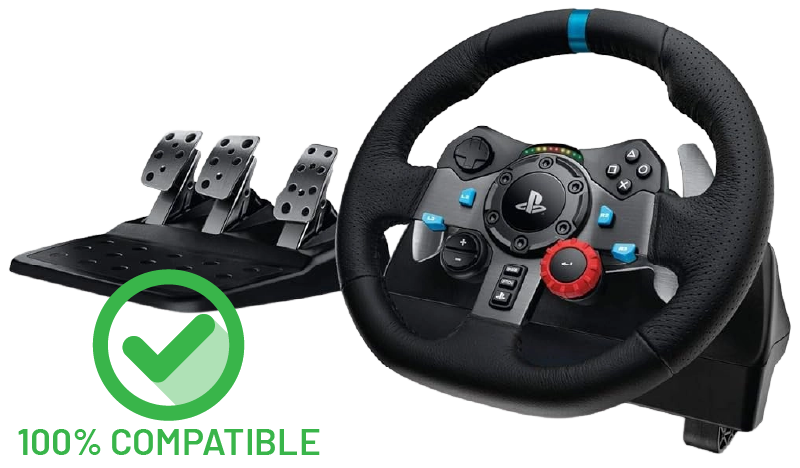
Logitech G29

Torqer is 100% compatible with the G29’s Force Feedback and RPM LED strip (game-specific).
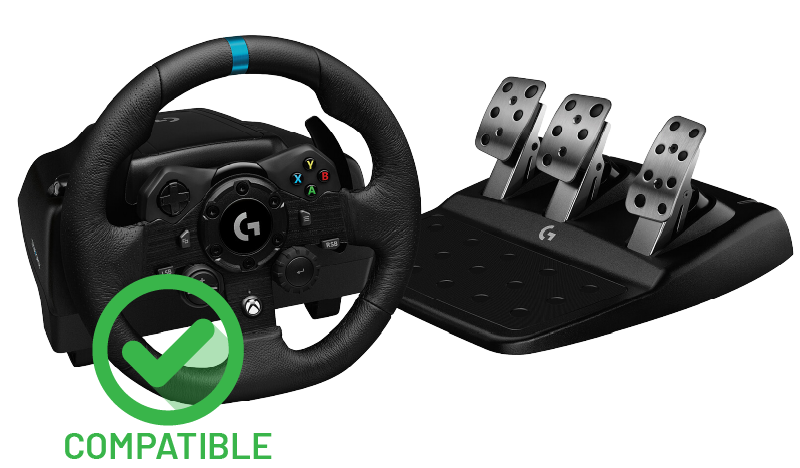
Logitech G923 (Xbox)

FFB compatible
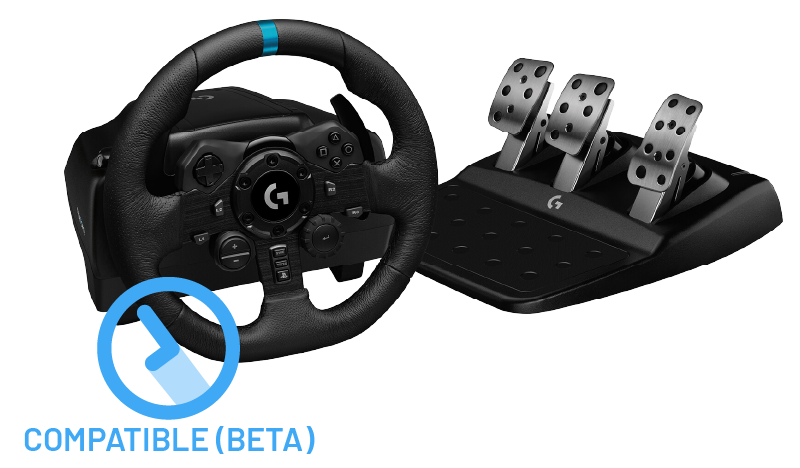
Logitech G923 (PS4/PS5)

FFB compatible (beta)
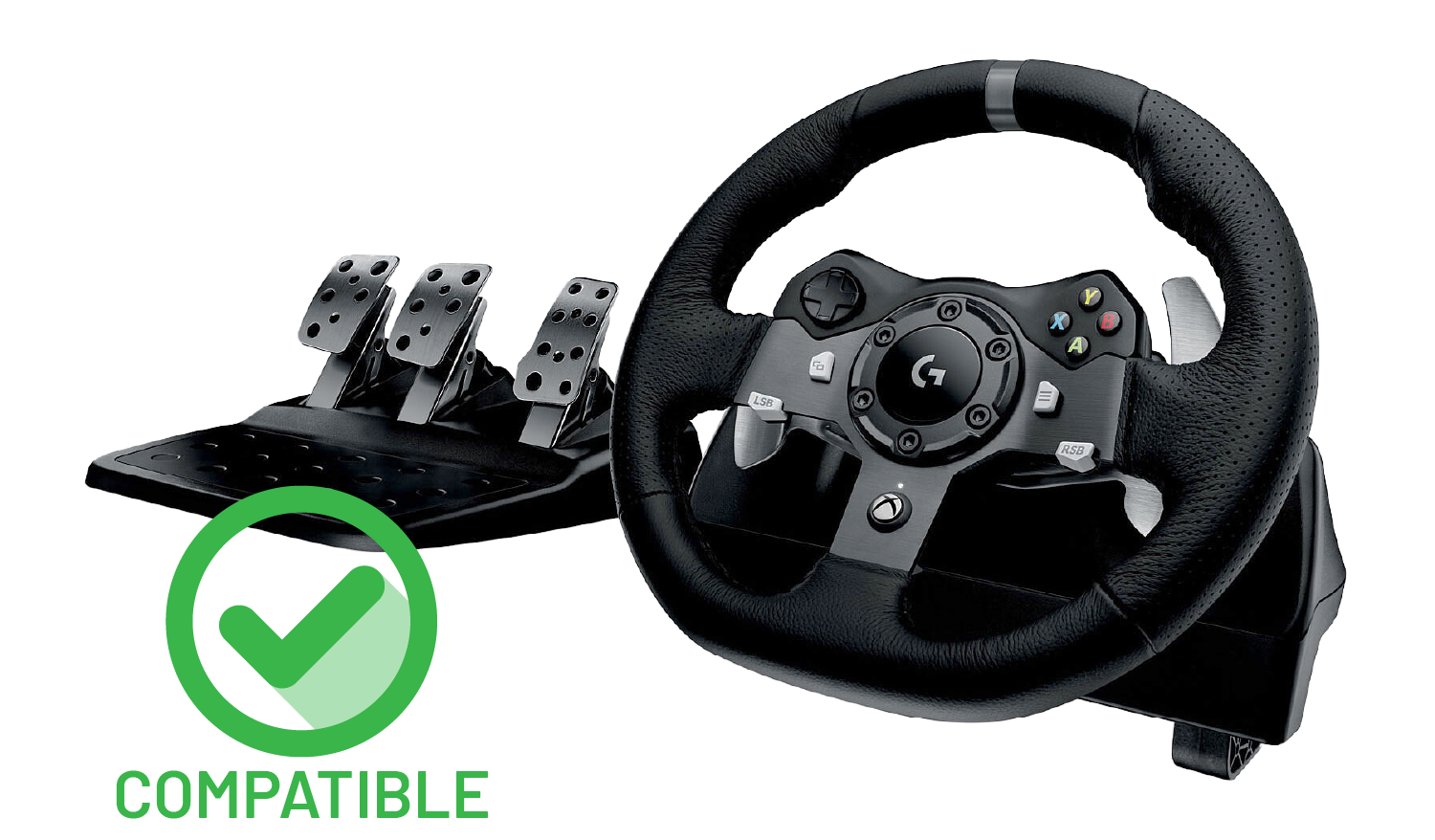
Logitech G920

FFB compatible
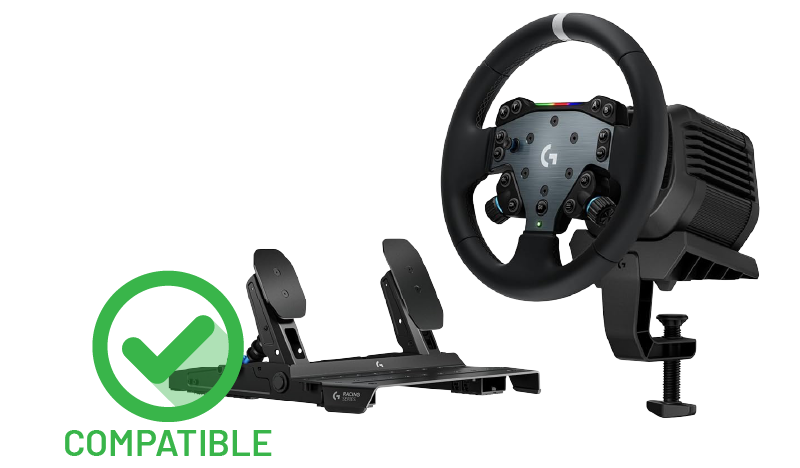
Logitech RS50

FFB compatible (including RPM LEDs)
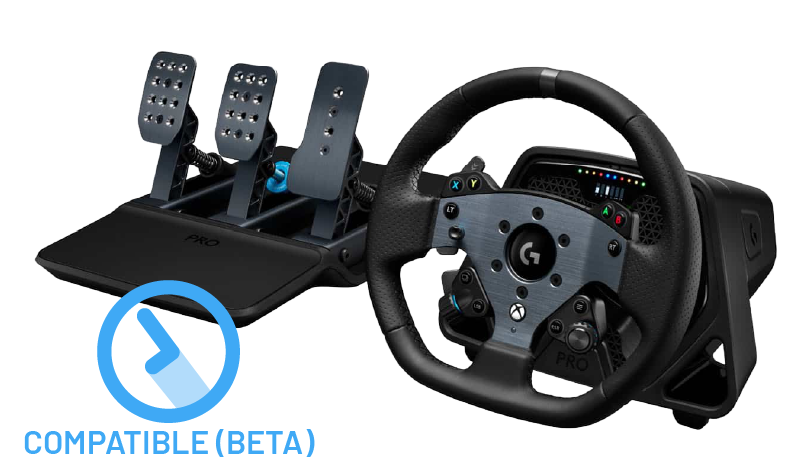
Logitech G Pro

FFB compatible (beta)
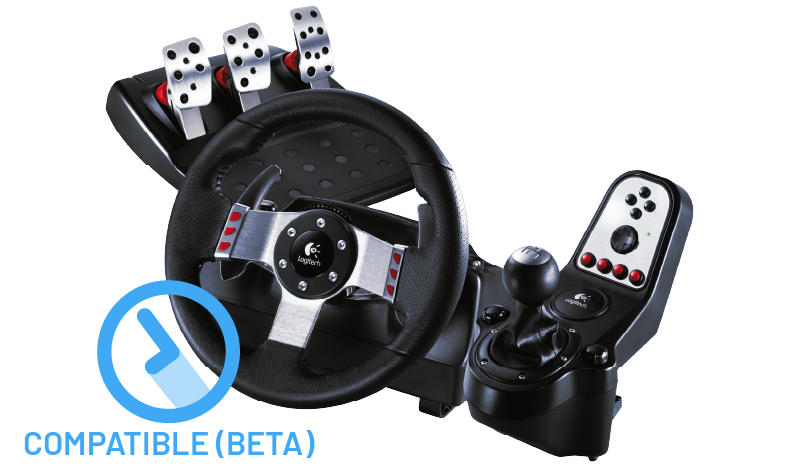
Logitech G27

FFB compatible (beta)
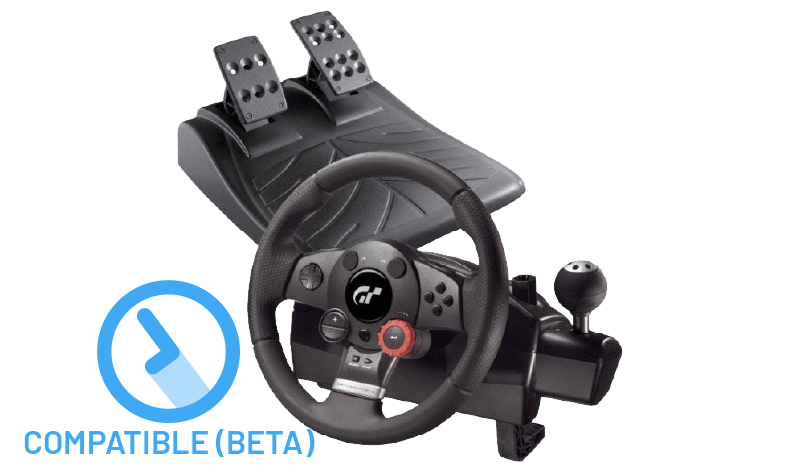
Logitech Driving Force GT

FFB compatible (beta)
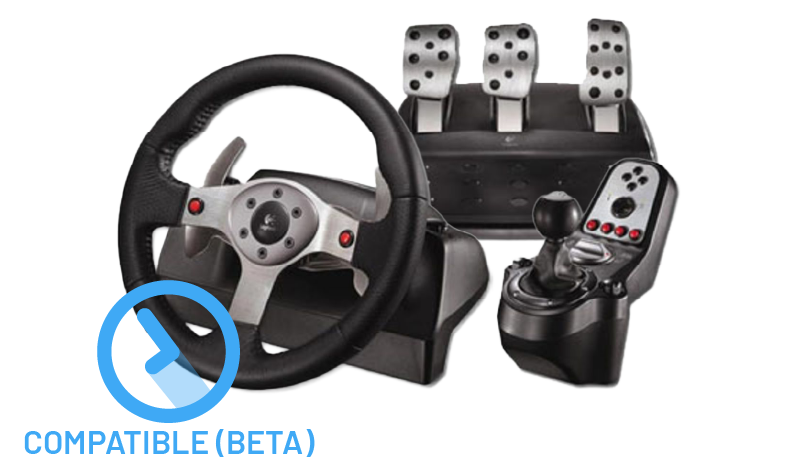
Logitech G25

FFB compatible (beta)
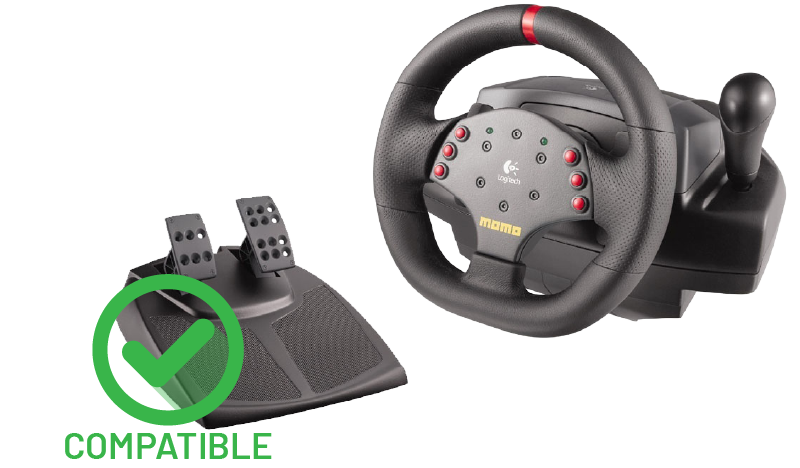
Logitech MOMO Racing

FFB compatible
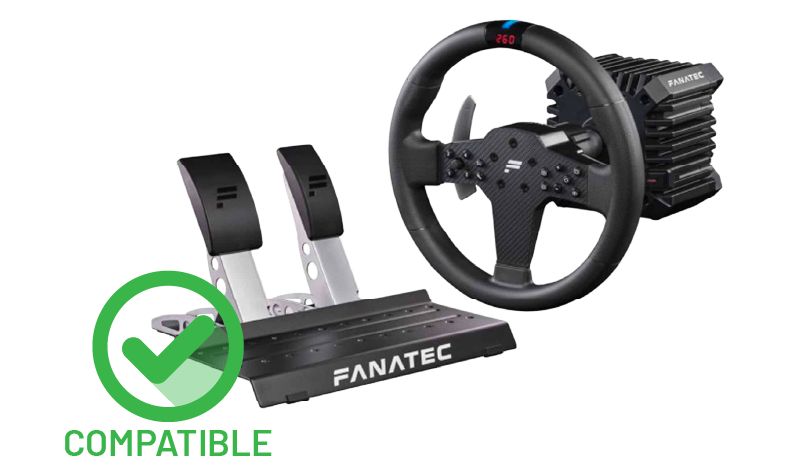
Fanatec CSL DD

FFB compatible (CrossOver has a compatibility issue with 3-axis pedal sets, contact us for workarounds)
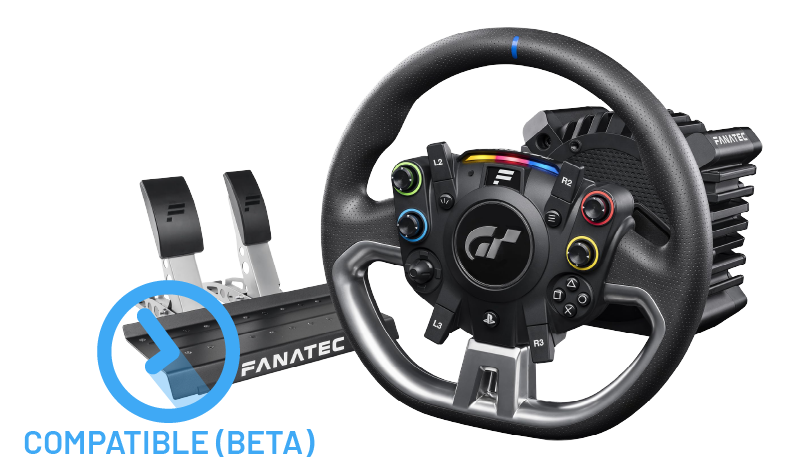
Fanatec Gran Turismo DD Pro

FFB compatible (beta) (CrossOver has a compatibility issue with 3-axis pedal sets, contact us for workarounds)
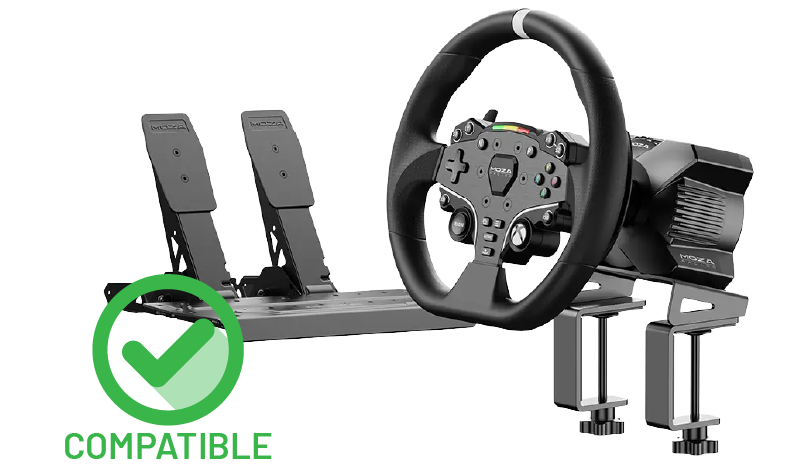
Moza R3

FFB compatible
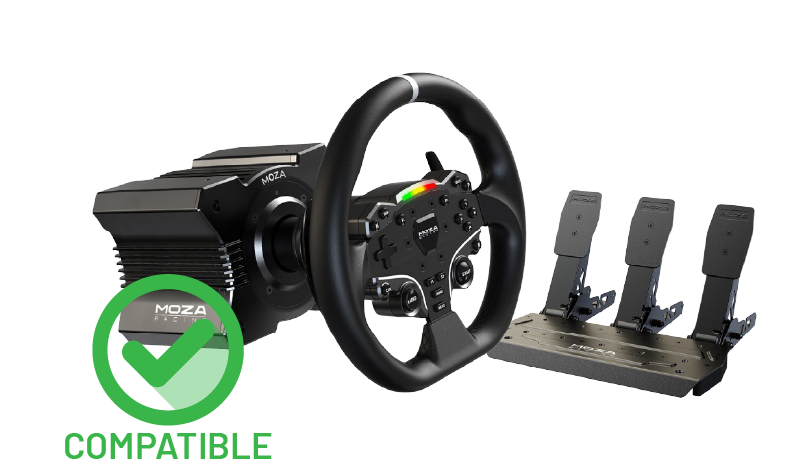
Moza R5

FFB compatible (including RPM LEDs – beta)
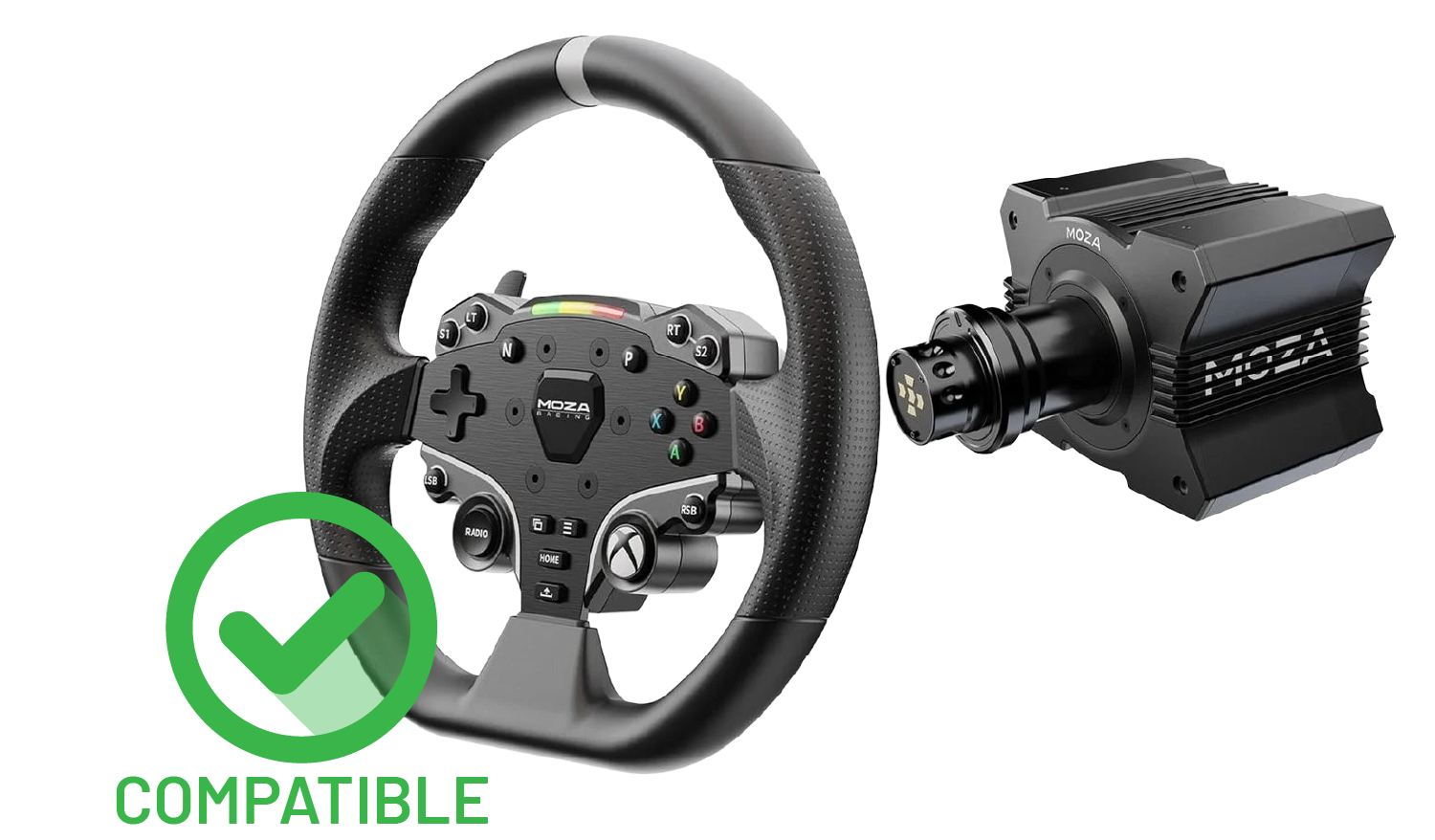
Moza R9

FFB compatible
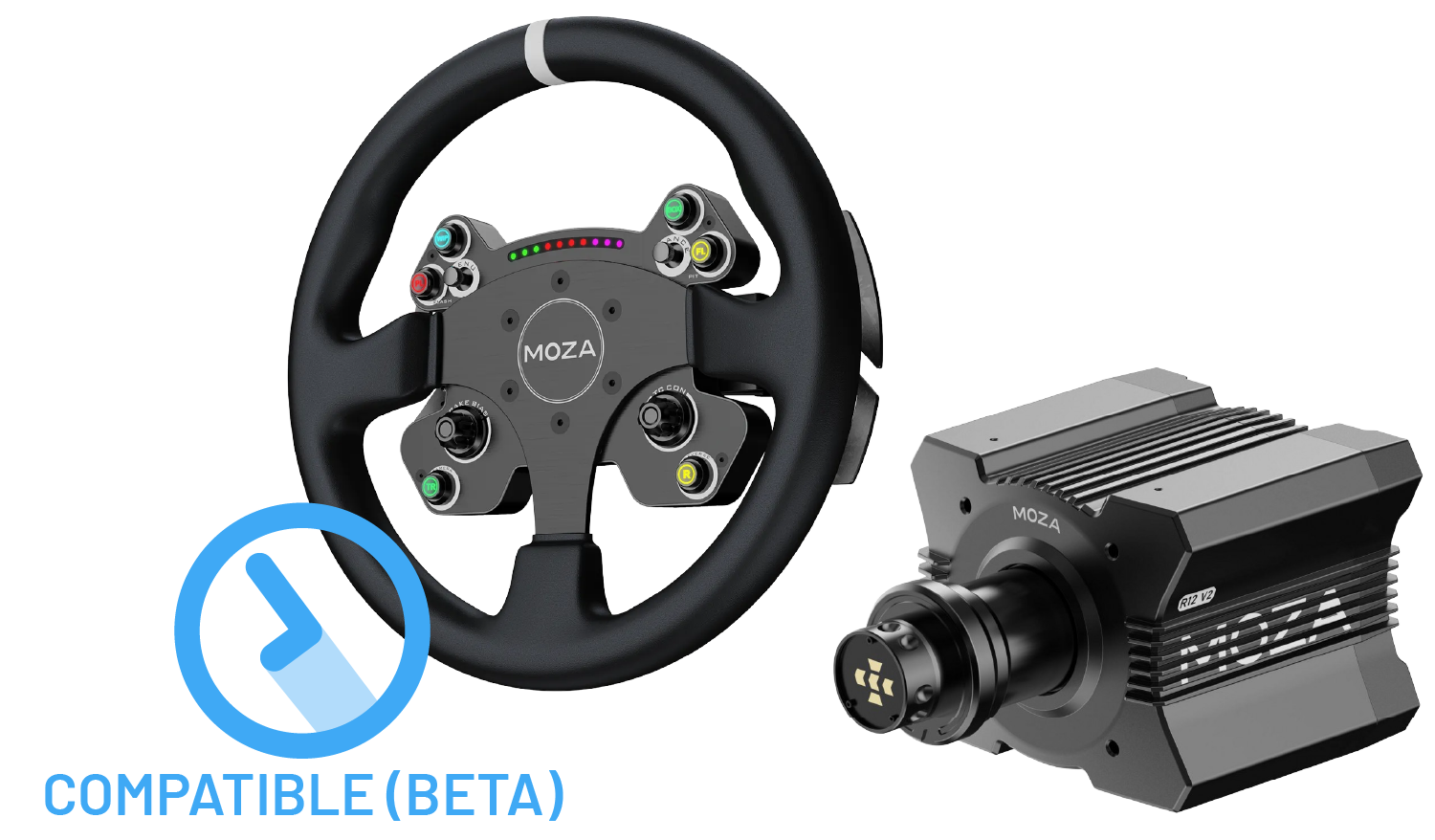
Moza R12

FFB compatible (beta)
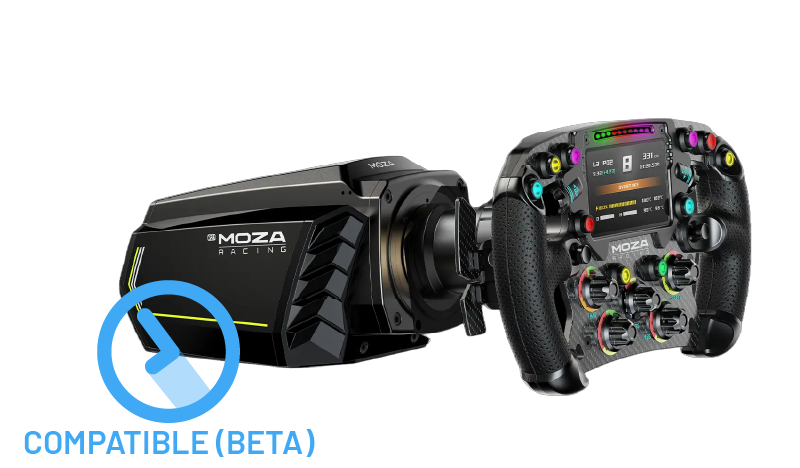
Moza R21

FFB compatible (beta)
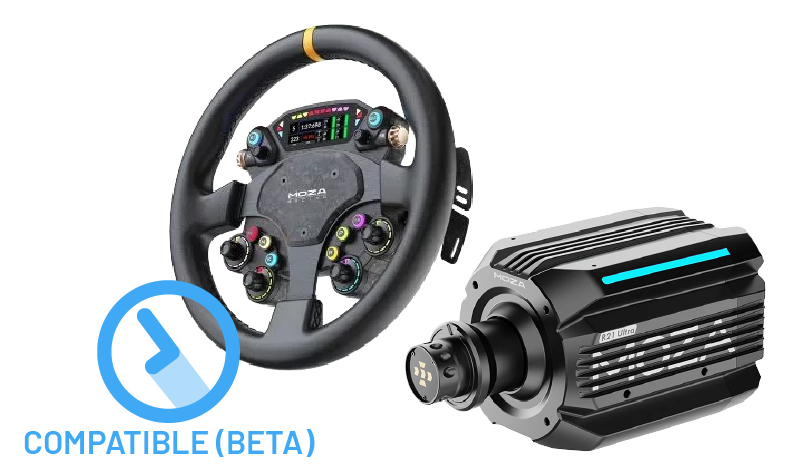
Moza R21 Ultra

FFB compatible (beta)
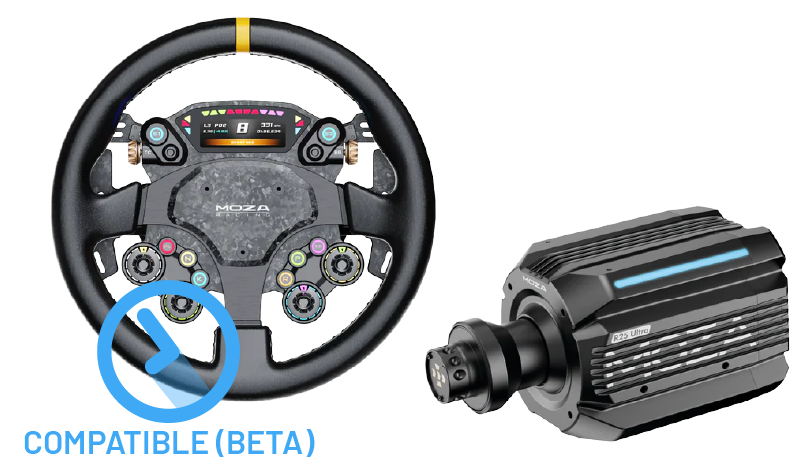
Moza R25 Ultra

FFB compatible (beta)
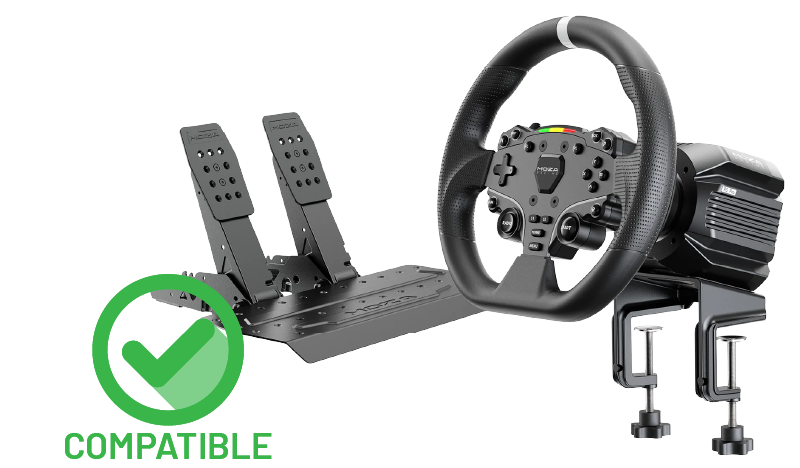
Moza R16 v1/v2

FFB compatible (beta)

Asetek La Prima

FFB compatible (beta)

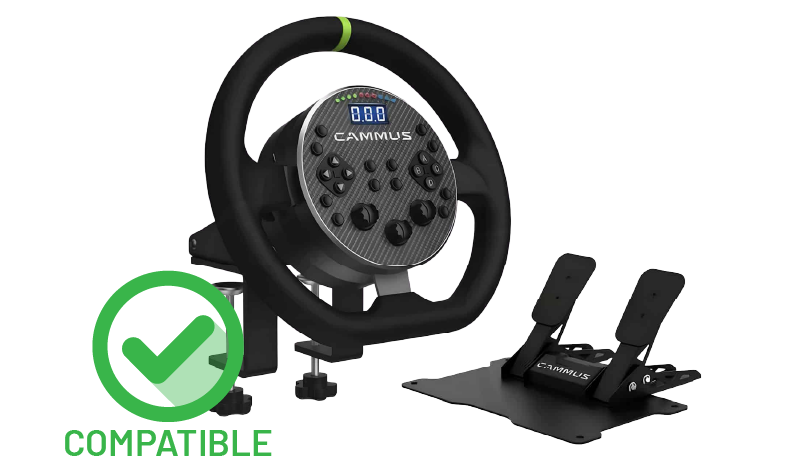
Cammus C5

FFB compatible
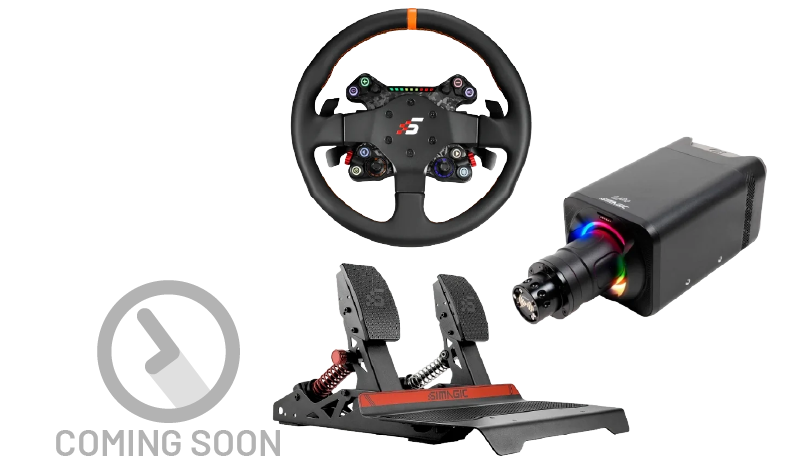
Simagic Alpha Evo / Pro

FFB support coming soon, we’re working on it.
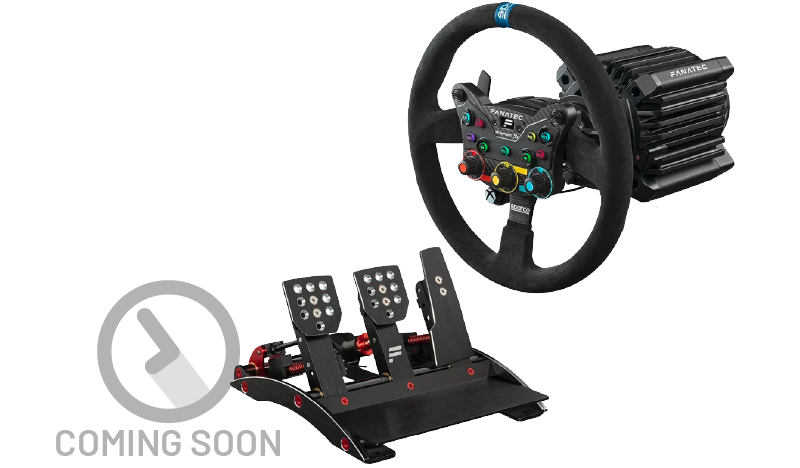
Fanatec Clubsport DD+

FFB support coming soon, we’re working on it.
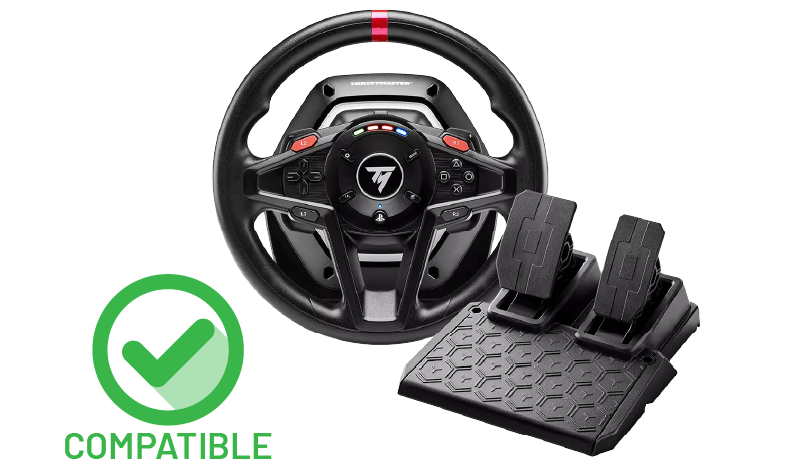
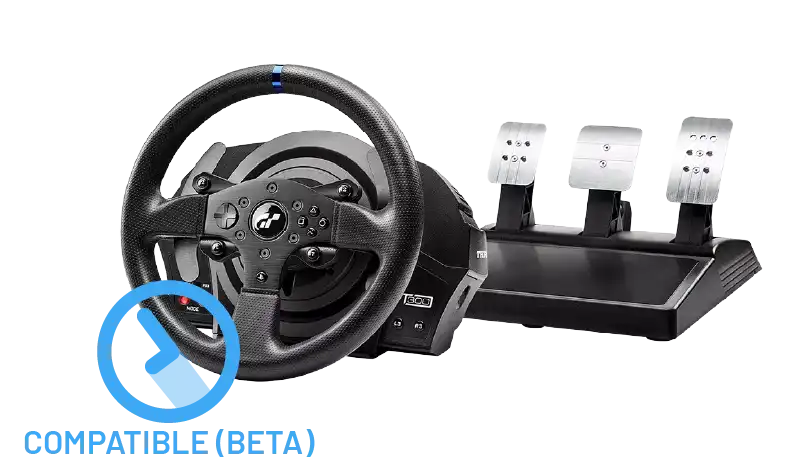
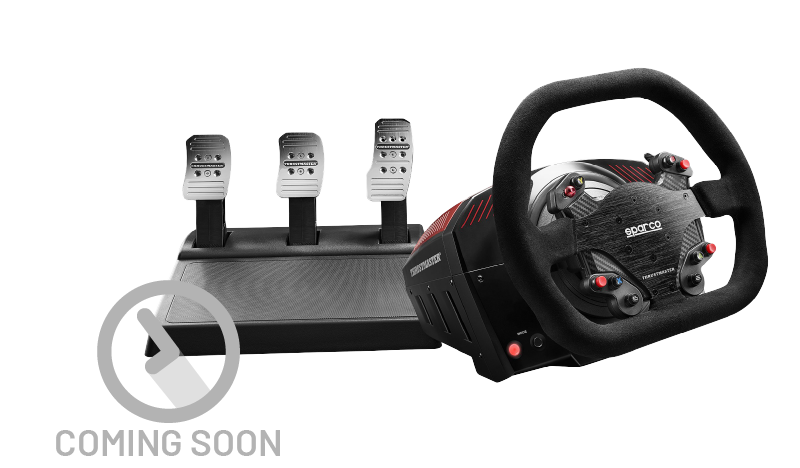
Thrustmaster T300RS

FFB support coming soon, we’re working on it.
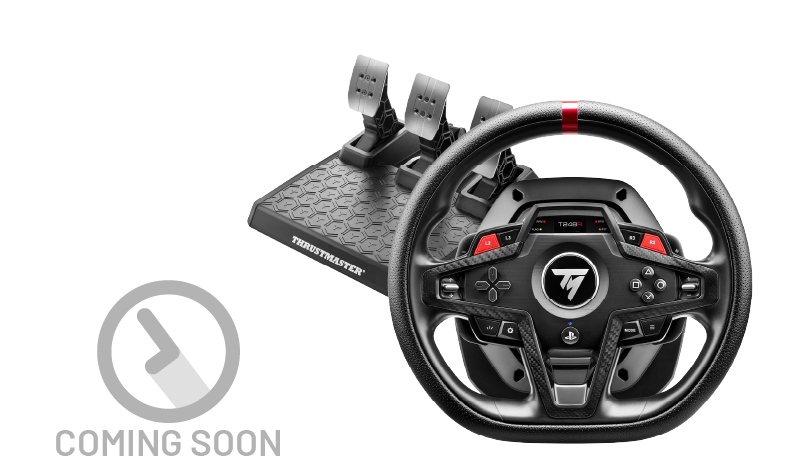
Thrustmaster T248R

FFB support coming soon, we’re working on it.
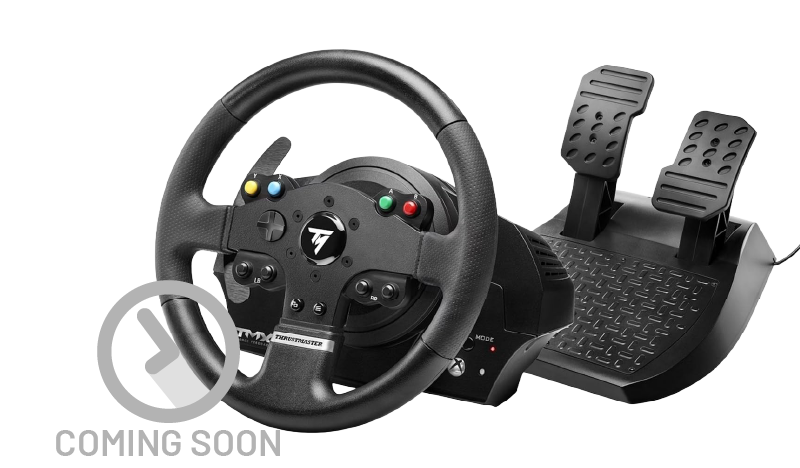
Thrustmaster T128

FFB support coming soon, we’re working on it.

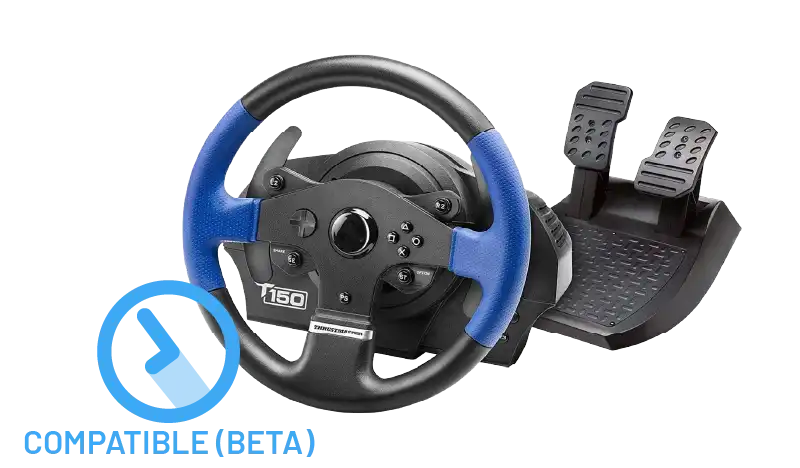
Thrustmaster T150

FFB support coming soon, we’re working on it.

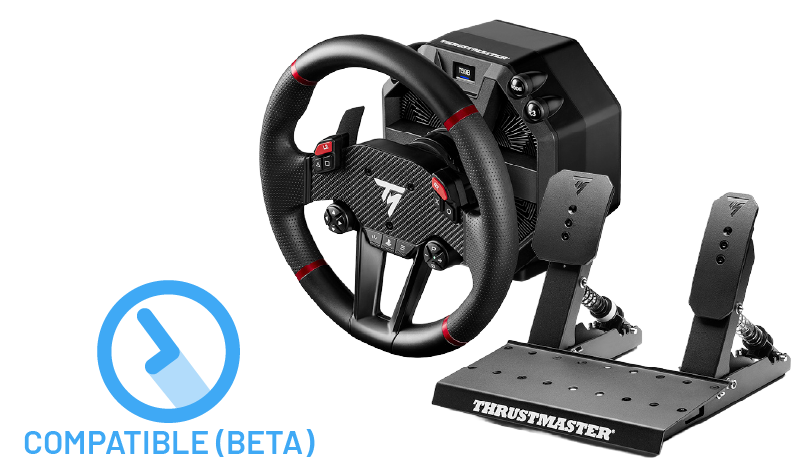
Thrustmaster TS-XW

FFB support coming soon, we’re working on it.

Thrustmaster TMX

FFB support coming soon, we’re working on it.
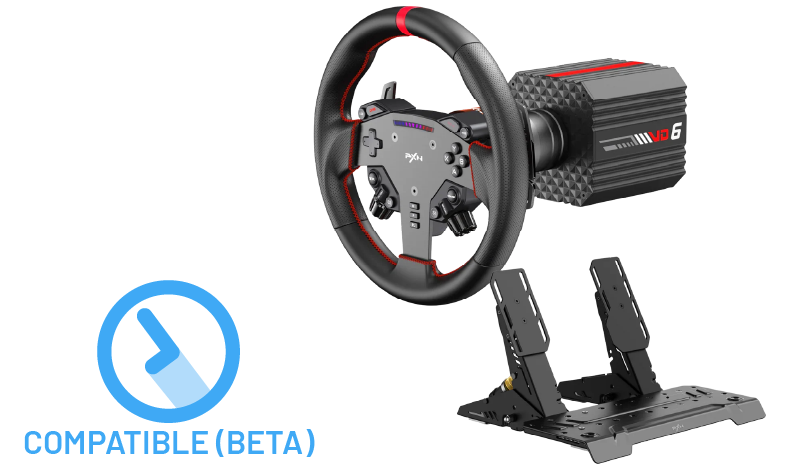
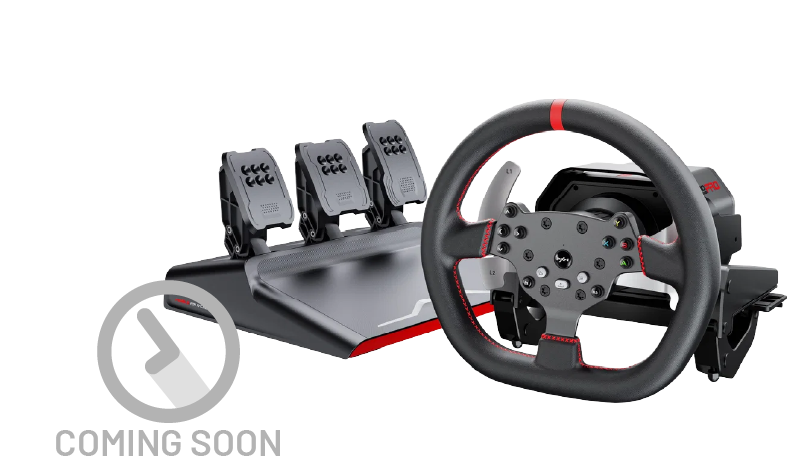
PXN V10 Pro

FFB support coming soon, we’re working on it.
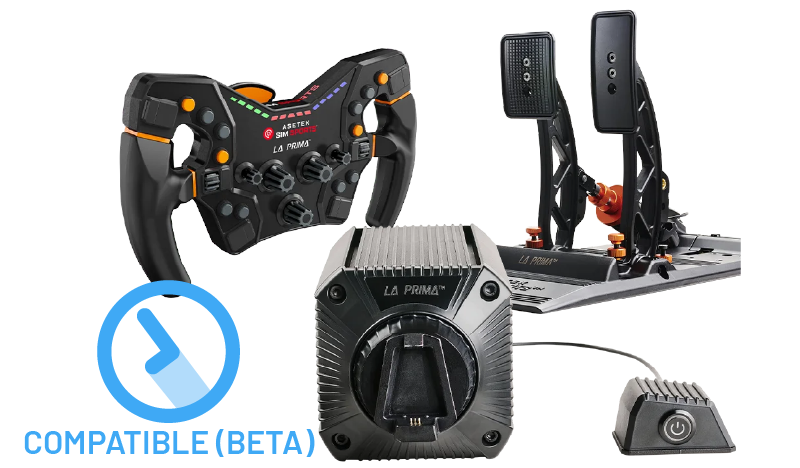
PXN VD6

FFB support coming soon, we’re working on it.
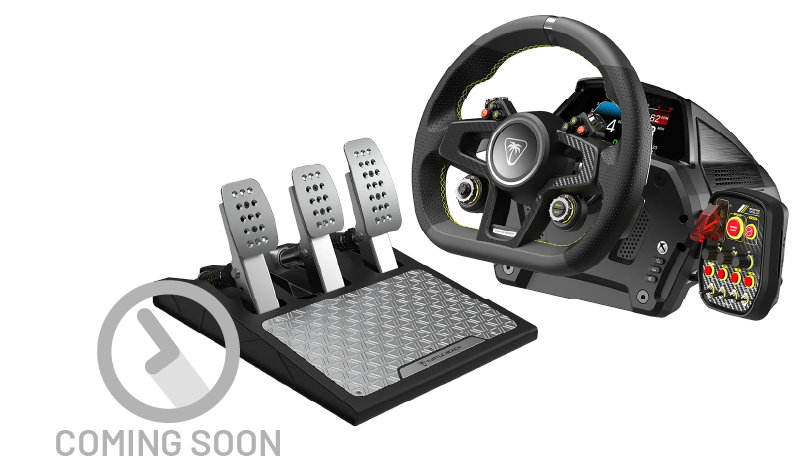
Turtle Beach VelocityOne Race

FFB support coming soon, we’re working on it.
SUPPORTED WHEEL BRANDS

Coming soon!

Coming soon!

Coming soon!

Coming soon!

Don’t see your gaming wheel in the list?

Request support for a wheel

YOUR MAC IS NOW A PROPER SIM RACING MACHINE

GET TORQER NOW
  • Native Force Feedback for macOS
  • Torqer telemetry haptics: gear shift, ABS, TC…
  • Full wheel control: steering range, spring, damper…
  • Regular updates with new games & wheels
  • Lifetime license
  • Free trial for 5 days

0€

Free forever

DOWNLOAD

TORQER FREE

• 5-day free trial
• Wheel setup & control
(free forever)

$12 / 10€

Lifetime purchase

BUY NOW

TORQER PRO

• Full native & haptics FFB
• FFB free trial (5 days)
• Continuous updates

0€

Free forever

DOWNLOAD

TORQER FREE

• 5-day free trial
• Wheel setup & control
(free forever)

$12 / 10€

Lifetime purchase

BUY NOW

TORQER PRO

• Full FFB & haptics
• FFB free trial (5 days)
• Continuous updates

Want to support us further?

Buy us a coffee ☕️

FAQ

All Torqer wheel setup features are free forever (steering range setup, spring setup, damper setup…).

Native Force Feedback support and advanced Torqer haptics can be tested during a 5-day free trial period. When your free trial expires, you can still play use the wheel setup functions to play your games without FFB.

Wheels with verified Native FFB support:
• Logitech G29
• Logitech G920
• Logitech G923 (Xbox)
• Logitech MOMO Racing
• Logitech RS50
• Fanatec CSL DD (CrossOver has a compatibility issue with 3-axis pedal sets, contact us for workarounds)
• Moza R5
• Moza R3
• Moza R9
• Cammus C5

Wheels currently in beta testing for Native FFB support (contact us if you’re experiencing problems):
• Logitech G923 (PS)
• Logitech G Pro
• Logitech G25 / G27 / DFGT
• Fanatec Gran Turismo DD Pro (CrossOver has compatibility issues with 3-axis pedal sets, contact us for workarounds)
• Moza R12 v1
• Moza R16 v1/v2
• Moza R21 / R21 Ultra
• Moza R25 Ultra
• Asetek La Prima

Wheels coming soon:
• Thrustmaster T300RS / T128 / T150 / T598 / T248R / TMX / TS-XW
• Fanatec Clubsport DD+
• Simagic Alpha EVO / PRO
• PXN V10 Pro and VD6
• Turtle Beach VelocityOne Race

If you’d like us to add support for your wheel, please contact us. We reply to all requests.

Games with verified Native FFB support:
• Assetto Corsa (+ Content Manager)
• Assetto Corsa Competizione
• Assetto Corsa Evo
• Assetto Corsa Rally
• F1 25
• F1 2020
• Automobilista 2
• BeamNG
• RaceRoom
• Kartkraft
• Live for Speed
• Euro Truck Simulator 2
• American Truck Simulator
• rFactor 2
• Richard Burns Rally (including rallysimfans.hu version)
• Dirt Rally 2.0
• Dakar Desert Rally
• Mudrunner
• Bus Simulator 21
• The Crew 2
• Motor Town
• Roadcraft
• Wreckfest
• City Car Driving
• Project CARS
• Project CARS 2

Games with verified Native + Advanced Torqer haptics support:
• Assetto Corsa (+ Content Manager)
• Assetto Corsa Competizione
• Assetto Corsa Evo
• Assetto Corsa Rally

Games coming soon:
• Le Mans Ultimate (pending CrossOver compatibility)
• Snowrunner (pending CrossOver compatibility)
• Farming Simulator 25 (pending CrossOver compatibility)
• Kart Racing Pro
• Wreckfest 2
• Expeditions (a Mudrunner game) (pending CrossOver compatibility)
• Need for Speed: Heat

Note: Torqer FFB may already work for many games that don’t appear on these lists, don’t hesitate to test your game with Torqer and let us know how it went!

If you’d like us to add support for a game, please contact us. We reply to all requests.

Your license key will be sent to the email you used at checkout. You can then activate your license in the Torqer app by entering your license key.

If you’re having any trouble receiving or applying your purchased license, contact us and we will sort it out with you.

Torqer Pro includes all Torqer features, and free updates in the future. No subscription, just a one-time purchase.

Torqer has been tested with Apple Silicon Macs (M-series) from macOS Tahoe 26 and onwards. Torqer works flawlessly on MacBooks (MacBook Pro, MacBook Air, Macbook Neo) and desktop Macs (iMac, Mac Mini, Mac Studio).

Torqer is not compatible with Intel Macs, for which users can use a Bootcamp Windows installation to run games with FFB on compatible wheels.

You can use Torqer’s free FFB trial to make sure it works with your Mac before making a purchase.

Torqer should run fine on any Mac Silicon (M-series) hardware. The only requirements are for the games you want to play and the wheel you want to use:

• If your game runs fine via CrossOver, Heroic Games Launcher or Sikarugir (or other Wine wrapper) on your Mac, then you’re good to go to use Torqer. Before playing, you can check whether your game is supported by Torqer FFB. If you’d like to request FFB support for a game, you can contact us.

• Before playing, you can check that your wheel is supported by Torqer. If you’d like us to add support for your wheel, you can contact us.

For verified FFB functionality, make sure to only use stable public releases of macOS (e.g. macOS Tahoe, Sequoia, Sonoma, etc), and avoid beta macOS releases.

Torqer is not compatible with Intel Macs (users can play with FFB on these models by using a Bootcamp Windows installation).

If you have doubts, you can use Torqer’s 5 day free FFB trial to check that it works on your setup before making a purchase, or contact us for help.

Make sure to browse through the guides in our Guides section. If you’re still having issues, feel free to contact us and we will help you sort this out!

Our main priority is to make Torqer compatible with all main sim racing and trucking sim titles’ native Force Feedback and create advanced haptics for each of them. Torqer already works flawlessly with Assetto Corsa, Assetto Corsa Evo, Assetto Corsa Competizione, Assetto Corsa Rally, Richard Burns Rally (including Rally Sim Fans / RSF plugins), F1 25, F1 2020, Automobilista 2, BeamNG Drive, RaceRoom, rFactor 2, Live for Speed, Kartkraft, Euro Truck Simulator 2, American Truck Simulator, Roadcraft, Mudrunner, Wreckfest, Dakar Desert Rally, The Crew 2, Bus Simulator 21, MotorTown, Project CARS, Project CARS 2, and more!

Next on our immediate games roadmap : Le Mans Ultimate, Snowrunner, Kart Racing Pro, Wreckfest 2, Expeditions (a Mudrunner game), Need for Speed: Heat, FIA European Truck Racing Championship, and others… Stay tuned!

In parallel, we are working on adding more wheels to our compatible list:
• We have started with all mainstream Logitech wheels first (G29, G920, G923 Xbox and PS, RS50, G Pro, G27, G25, DFGT, MOMO Racing…), we recently added support for the Moza R5, R3, R9, R12, R16 (v1/v2), R21, R21 Ultra and R25 Ultra, Fanatec CSL DD / Gran Turismo DD Pro, Asetek La Prima and Cammus C5 direct drive wheels.
• Now we are working to address the following wheel models too: Simagic EVO wheelbases (Alpha EVO, Alpha EVO Pro), VRS DFP, Asetek Invicta/Forte/Tony Kanaan, PXN VD6/V10 Pro/V12/V12 Lite/GT987/V99, and Thrustmaster models as well (T300RS, T598, T150, TMX, TS-XW, T128 etc).

We are also aiming at expanding Torqer’s compatibility beyond CrossOver. Torqer already works natively with the Heroic Games Launcher and the Wine wrapper Sikarugir (successor to Wineskin and Kegworks, a good replacement to the discontinued Whisky wrapper), and we’re working at supporting other free Mac porting options like Porting Kit, GameHub and Pixel Port.

If you have suggestions regarding our roadmap, please let us know and we’ll work with you on adding your favorite game or wheel.

CONTACT US

We reply to every request in about 2 working days maximum.

  • Download
  • FAQ
  • Guides
  • Privacy
  • Contact us
YouTube

Torqer is provided without warranty and is not affiliated with Apple, Logitech, Thrustmaster, CodeWeavers, Steam or any game/software editor or wheel manufacturer.
Use of Torqer’s force feedback features is at your own risk, and you accept full responsibility for any injury or property damage they may cause.

© 2026 Torqer. All rights reserved.

  • FAQ
  • Guides
  • Contact
  • ☕️
DOWNLOAD
Search