Sim Racing on Apple Silicon Mac: the complete guide
If you’re reading this on a Mac and wondering whether you can actually sim race seriously: the answer is now yes!
This guide covers everything you need to run a proper sim rig on Apple Silicon in 2026: which games work, how to get them running, what to do about force feedback, and what to expect performance-wise. Written by someone who actually races on a Mac 🙂
TL;DR
Yes, FFB on Mac works in 2026. Here’s what you need:
- A Mac with Apple Silicon (any M-series chip handles sim racing well)
- CrossOver ($54/year, 14-day free trial) to run Windows racing games on macOS
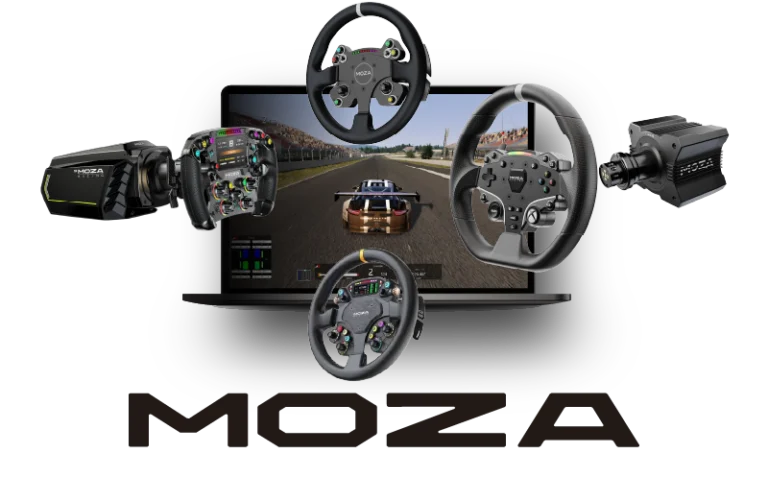
- A supported racing wheel from Logitech, Moza, Fanatec, or Cammus (check if yours is supported)
- Torqer ($12 / 10€ one-time, 5-day free trial) for force feedback
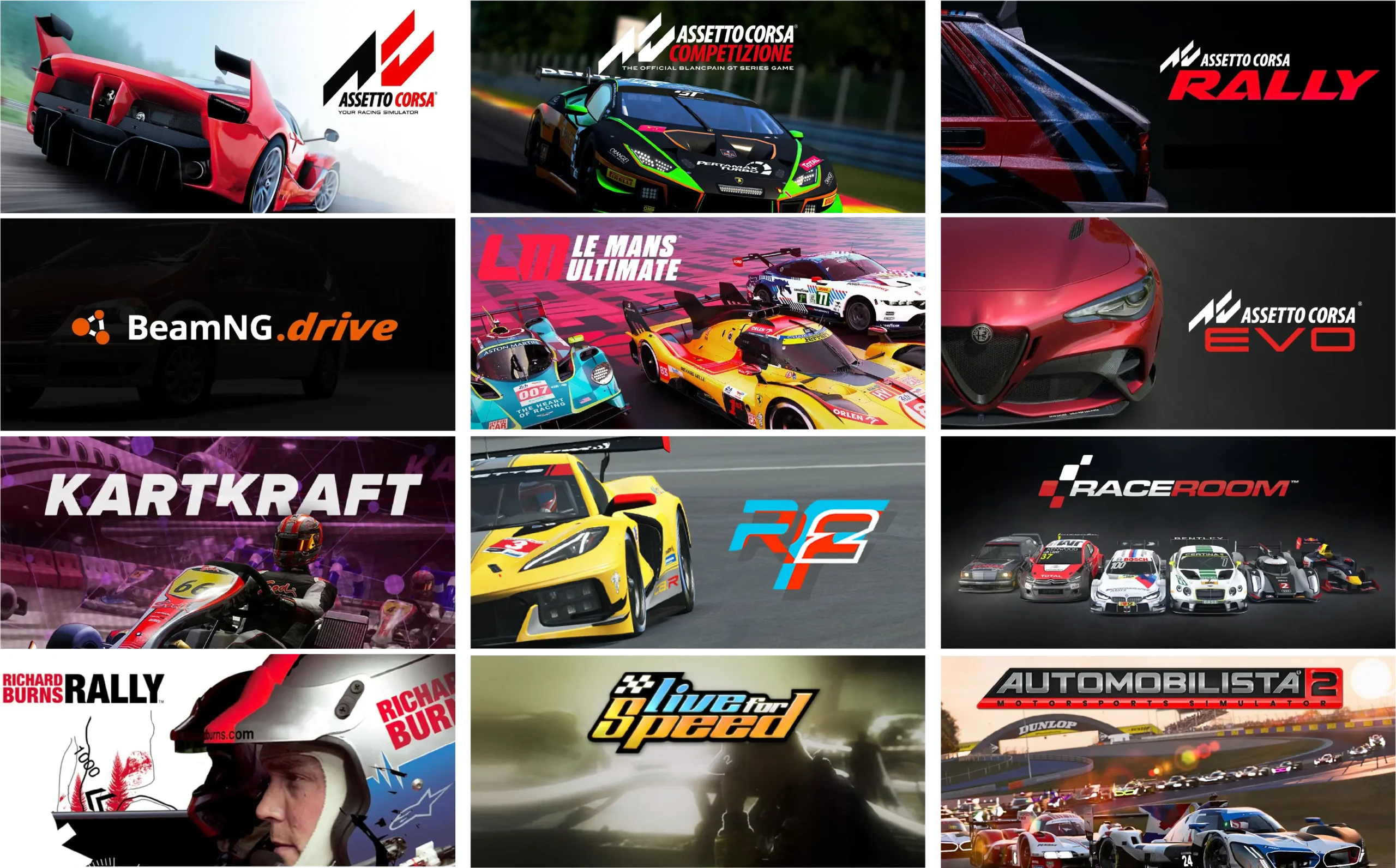
More than 23 games confirmed working with full FFB. Check if your game is on the list.
The rest of this guide explains how each piece works and how to set everything up.
Can you sim race with your wheel on Mac?
See for yourself with our wheel checker:
The state of sim racing on Mac in 2026
Two things changed in the last few years that made Mac sim racing viable:
Apple Silicon. M-series Macs are genuinely fast enough. Unified memory architecture, efficient CPU cores, and the Metal GPU stack put current Macs in the same performance tier as mid-range Windows gaming machines. Today there is basically no hardware objection to run modern racing games on a Mac anymore.
CrossOver. This is the compatibility layer that lets you run Windows games on macOS without a virtual machine. Once CrossOver matured on Apple Silicon and performance caught up, the software objection mostly went away too.
The last remaining gap was force feedback: now solved through Torqer.
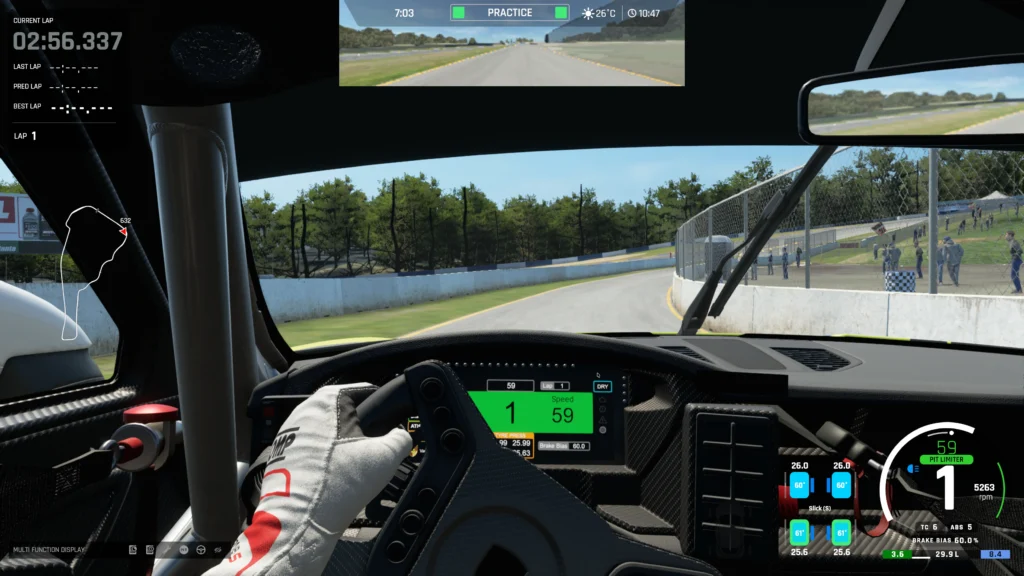
No manufacturer ships a macOS FFB driver for their wheels (that we know of). For a long time, even if you got your game running perfectly, the best you could get was to get the wheel’s inputs recognized, but no haptics at all. This is now fixed thanks to Torqer, so read on!
CrossOver – the software that makes it work
CrossOver is made by CodeWeavers and is based on Wine, the open-source compatibility layer that translates Windows API calls into macOS equivalents. The key distinction: this is not emulation. The game code runs natively on your CPU – CrossOver just translates the system calls. On Apple Silicon, the performance hit is minimal for most titles.
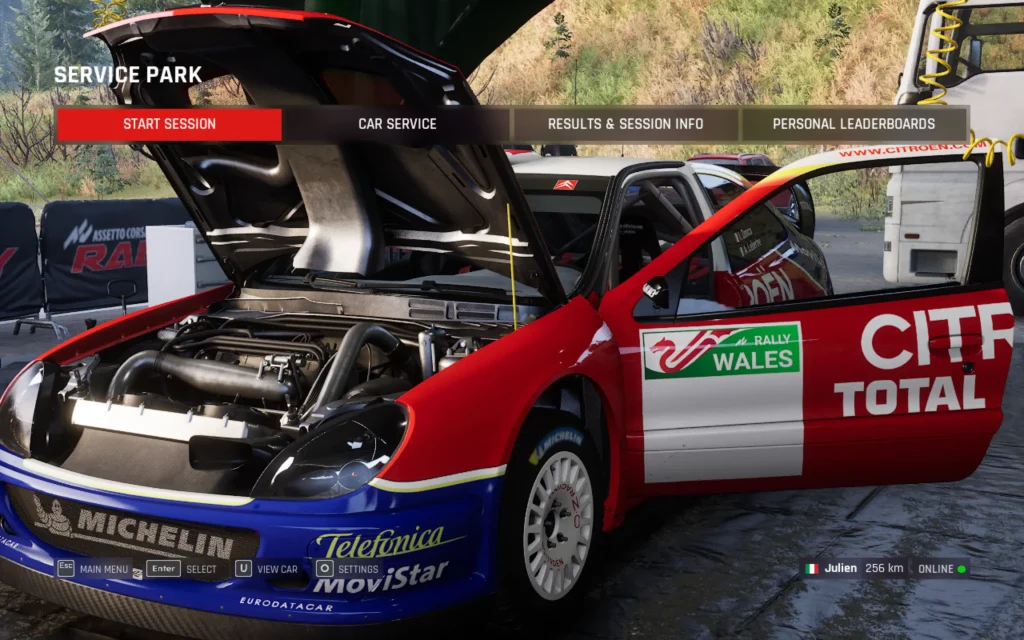
Cost: $54/year (includes upgrades and support). There’s a 14-day free trial. If you’re serious about sim racing on Mac, it’s worth it.
Alternatives worth knowing:
- Sikarugir: free, open-source, Wine-based. Less polished, no commercial support, but works for casual use. Fewer configuration options, which matters for sim racing. Torqer works with Sikarugir too: setup guide.
- Parallels: runs a full Windows virtual machine. More compatible with arbitrary Windows software, but more overhead and less suited for gaming. We don’t recommended it for sim racing.
For sim racing, rallying or truck simulations, CrossOver is definitely the right tool.
Force feedback: the former missing piece
For years, this was the dealbreaker. You could get your game running, the graphics would look great, and then you’d grab the wheel and feel nothing. The wheel was just steering input: no resistance, no road feel, no kerb impacts.
The reason: Logitech, Thrustmaster, Moza, Fanatec, Cammus… don’t provide a macOS force feedback driver for their wheels. And CrossOver’s Wine layer, which handles the translation between Windows game code and macOS, historically couldn’t route FFB signals through to the actual hardware. The game would try to send force feedback commands, they’d disappear somewhere in the translation layer, and the wheel would never receive them.
Torqer solves this: Torqer is a macOS app that bridges the gap between the game’s force feedback output and your wheel. When you’re driving in Assetto Corsa, the wheel responds with the actual FFB you’d get on Windows!
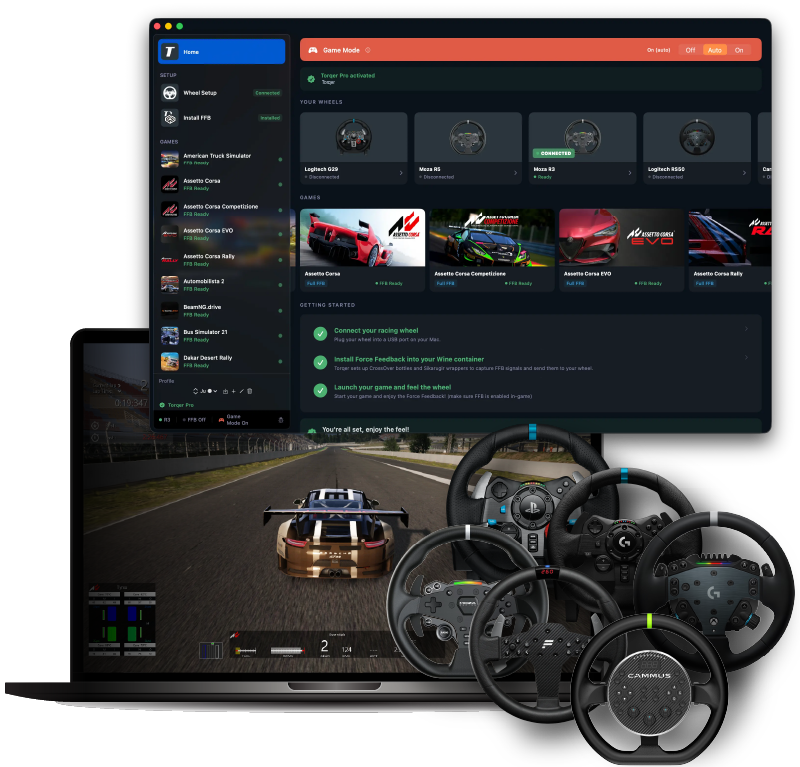
A free 5-day trial gives you the full feature set, so you can verify it works with your setup before committing. After that it’s a one-time $12 / 10€ purchase. Download and try it for free here.
Which sim racing games actually work on Mac with CrossOver?
Here’s a breakdown as of 2026. “Works great” means it runs reliably at good performance with no showstopper issues.
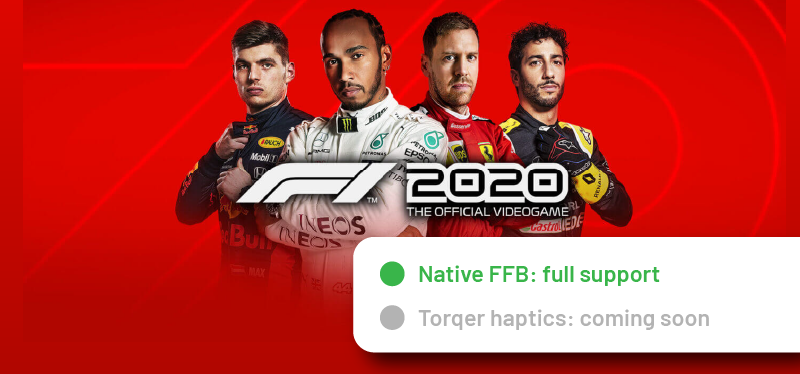 F1 2020: fully compatible with native FFB.
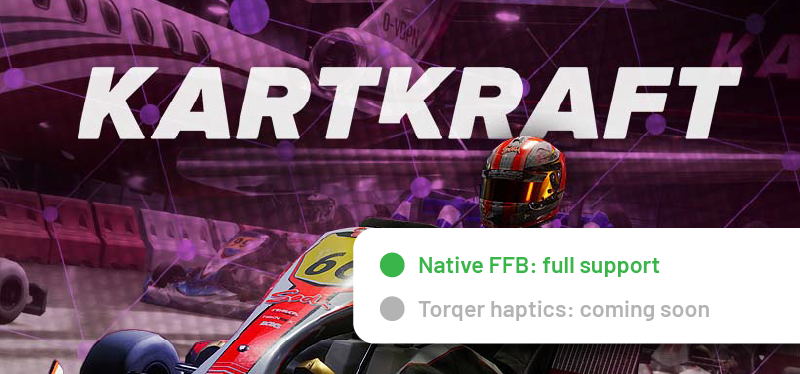 Kartkraft: fully compatible with native FFB.
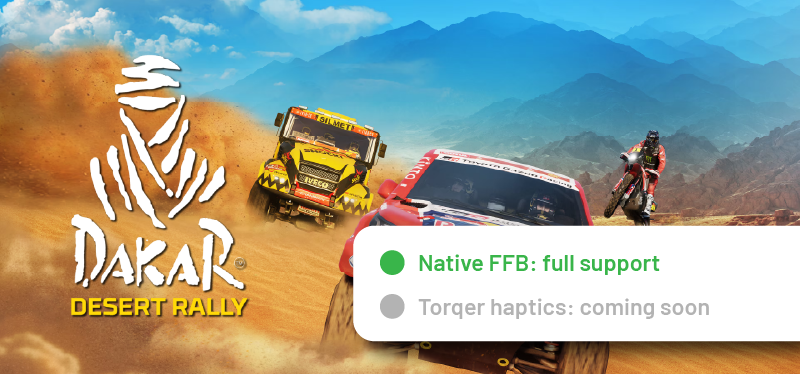 Dakar Desert Rally: fully compatible with native FFB.
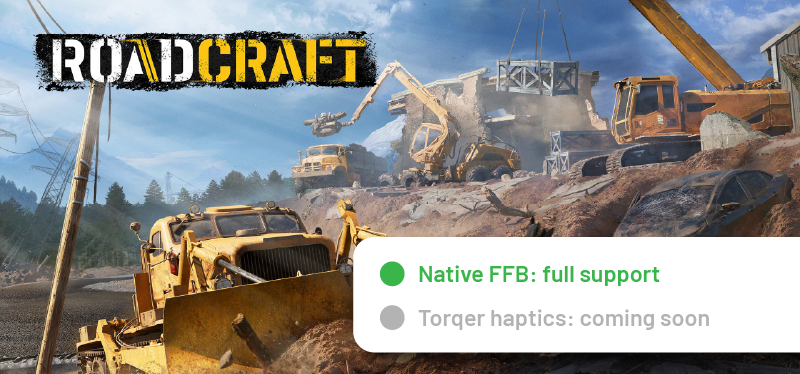 Roadcraft: fully compatible with native FFB.
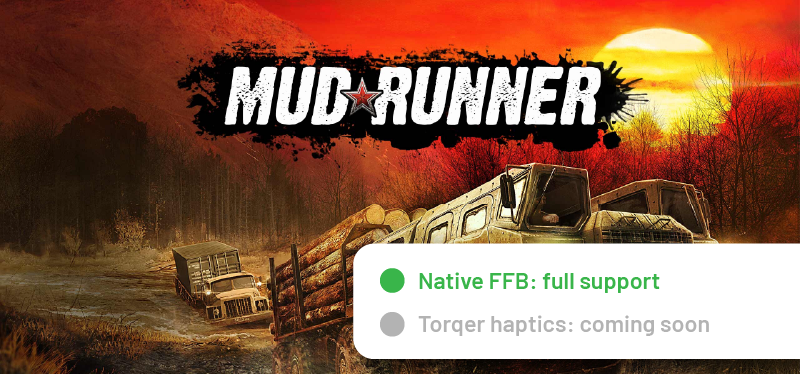 Mudrunner: fully compatible with native FFB.
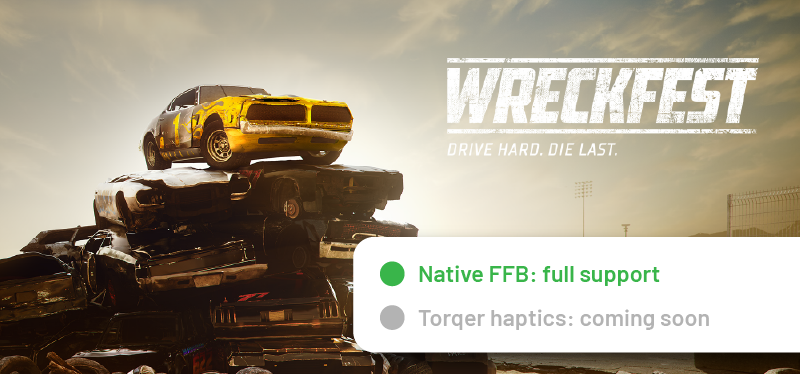 Wreckfest: fully compatible with native FFB.
 Bus Simulator 21: fully compatible with native FFB.
 MotorTown: fully compatible with native FFB.
 Project CARS: fully compatible with native FFB.
 Project CARS 2: fully compatible with native FFB.
 Le Mans Ultimate: FFB support coming soon (doesn’t run on CrossOver yet)
 Kart Racing Pro: FFB support coming soon
 Need For Speed: Heat: FFB support coming soon
 Snowrunner: FFB support coming soon (doesn’t run on CrossOver yet)
 Many other games are already supported by Torqer but are yet to be tested by us. Test them and let us know how it goes!
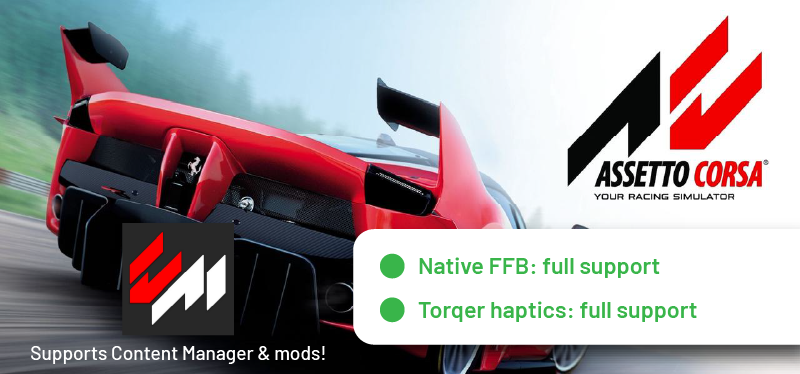
- Assetto Corsa: fully compatible native FFB & haptics. Also compatible with Content Manager and mods.
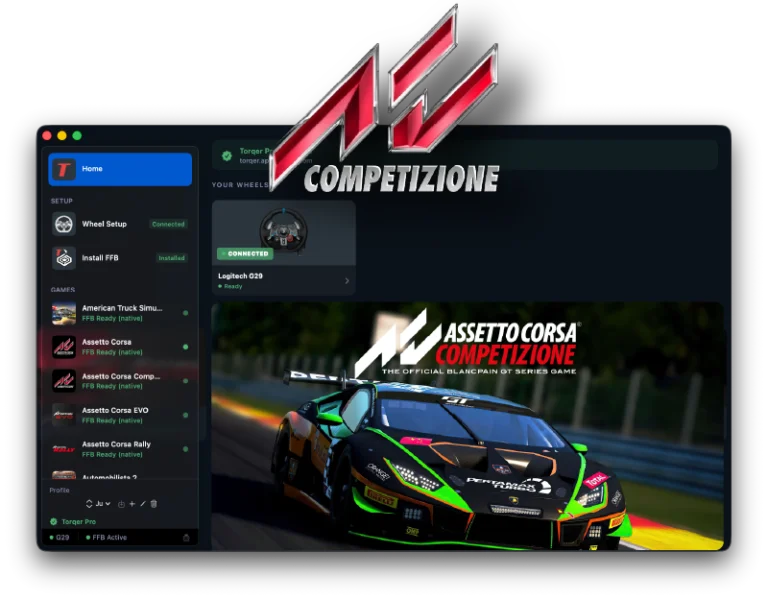
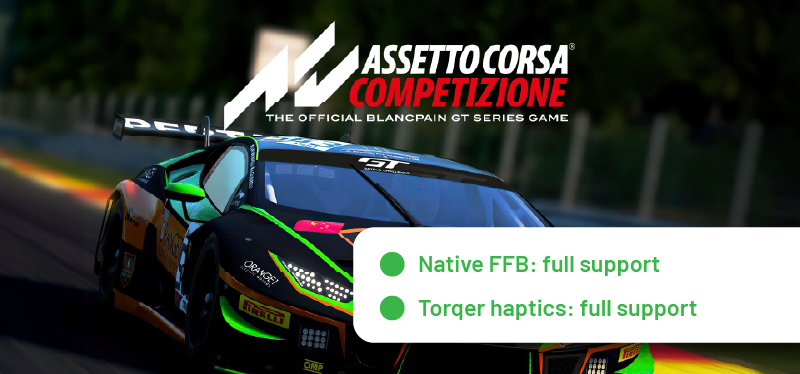
- Assetto Corsa Competizione: fully compatible native FFB & haptics.
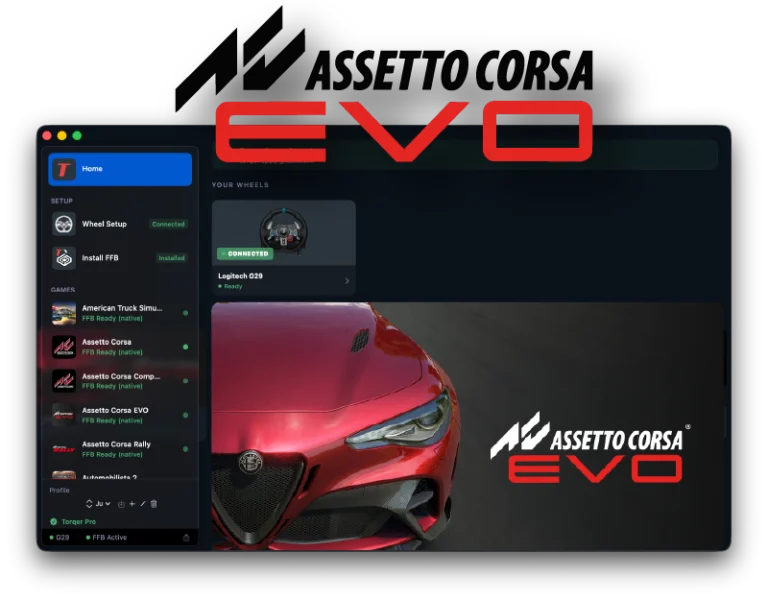
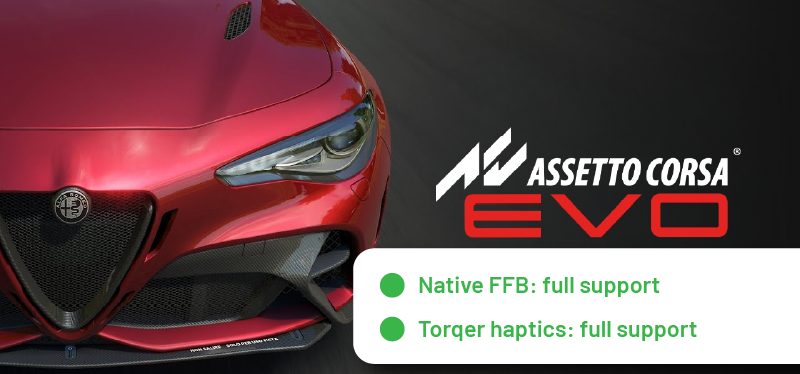
- Assetto Corsa Evo: fully compatible native FFB & haptics.
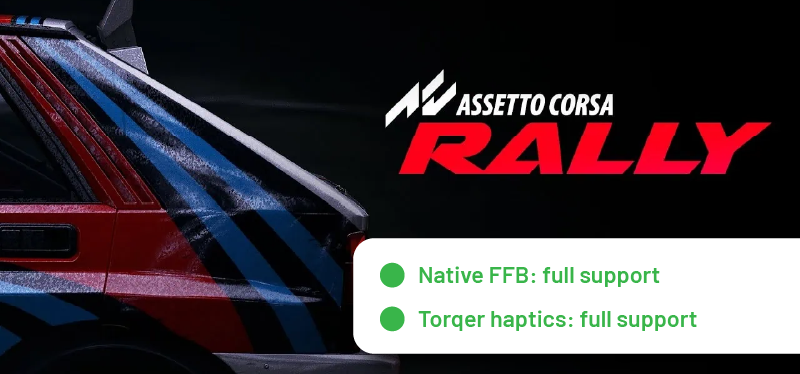
- Assetto Corsa Rally: fully compatible native FFB & haptics.
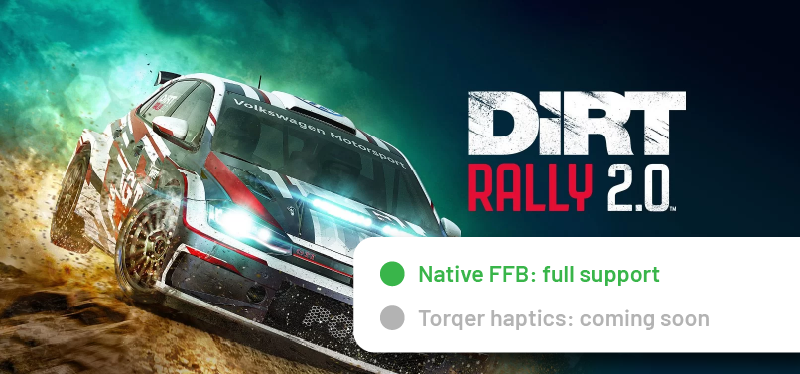
- Dirt Rally 2.0: fully compatible with native FFB.
- Richard Burns Rally (RSF): fully compatible with native FFB.
- F1 25: fully compatible with native FFB.
- BeamNG: fully compatible with native FFB.
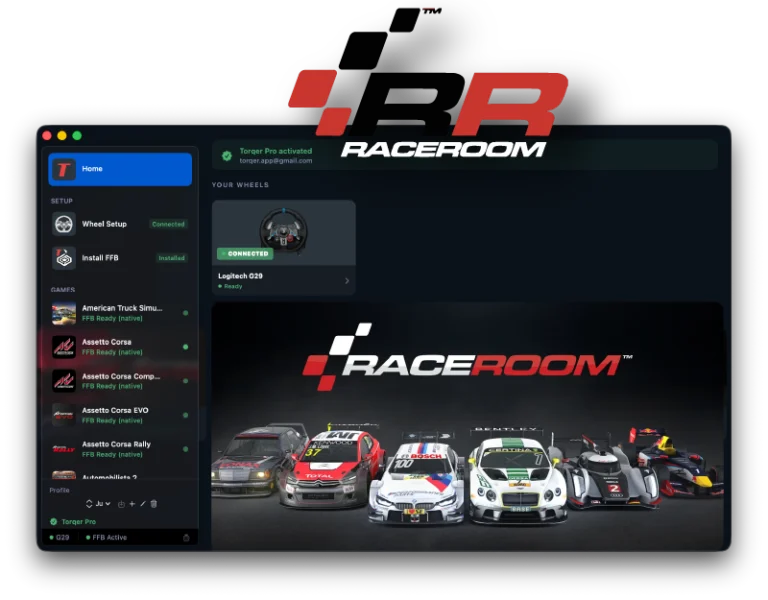
- RaceRoom: fully compatible with native FFB.
- Kartkraft: fully compatible with native FFB.
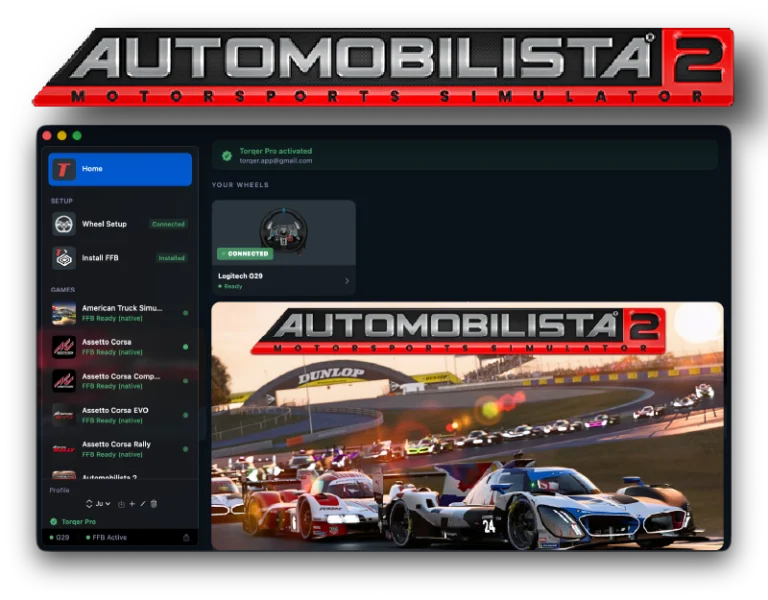
- Automobilista 2: fully compatible with native FFB.
- rFactor 2: fully compatible with native FFB.
- Live for Speed: fully compatible with native FFB.
- The Crew 2: fully compatible with native FFB.
- Dakar Desert Rally: fully compatible with native FFB.
- Euro Truck Simulator 2: fully compatible with native FFB.
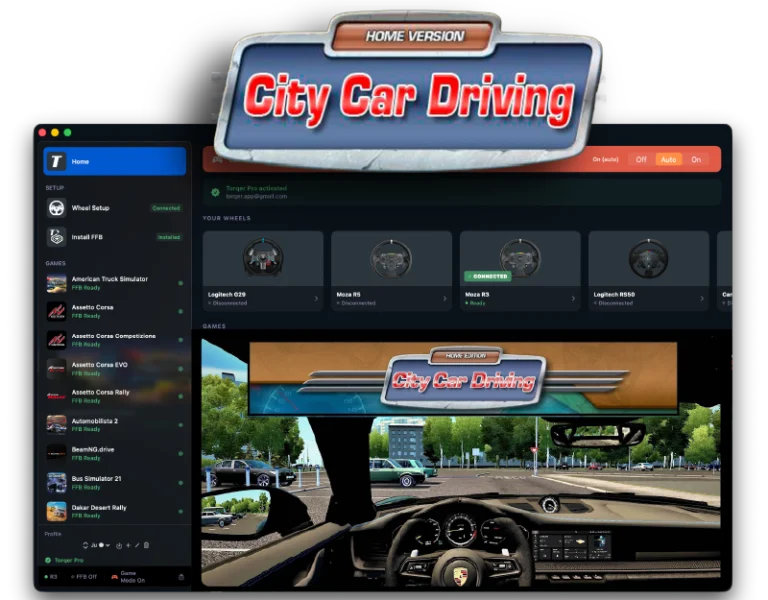
- City Car Driving: fully compatible with native FFB.
- American Truck Simulator: fully compatible with native FFB.
- Roadcraft: fully compatible with native FFB.
- Mudrunner: fully compatible with native FFB.
- Wreckfest: fully compatible with native FFB.
- Bus Simulator 21: fully compatible with native FFB.
- MotorTown: fully compatible with native FFB.
- Project CARS: fully compatible with native FFB.
- Project CARS 2: fully compatible with native FFB.
- Le Mans Ultimate: FFB support coming soon (doesn’t run on CrossOver yet)
- Kart Racing Pro: FFB support coming soon
- Need For Speed: Heat: FFB support coming soon
- Snowrunner: FFB support coming soon (doesn’t run on CrossOver yet)
- Many other games are already supported by Torqer but are yet to be tested by us. Test them and let us know how it goes!
Works great
Assetto Corsa – The standout recommendation for Mac sim racers. Runs excellently on CrossOver 25.x using D3DMetal + MSync settings. Mod support is full (with one caveat, see the mods section below). Physics, tyre model, Content Manager and mods, multiplayer server hosting on Mac… the full package. Force feedback works completely with Torqer.
Assetto Corsa Competizione – Runs well with the same CrossOver configuration (and later versions too, like 26.1). GT3 and GT4 racing at full visual and physics fidelity. FFB (native+haptics) works perfectly with Torqer.
Assetto Corsa Rally – Also runs very well. Native force feedback is available via Torqer, as well as custom haptics.
Assetto Corsa EVO – Runs on CrossOver 26.3.0 with full FFB support in Torqer (native and advanced). Requires a quick workaround at launch: click away from Steam within a few seconds of pressing Play.
BeamNG.drive – This game runs excellently since CrossOver 25, with full force feedback compatibility through Torqer.
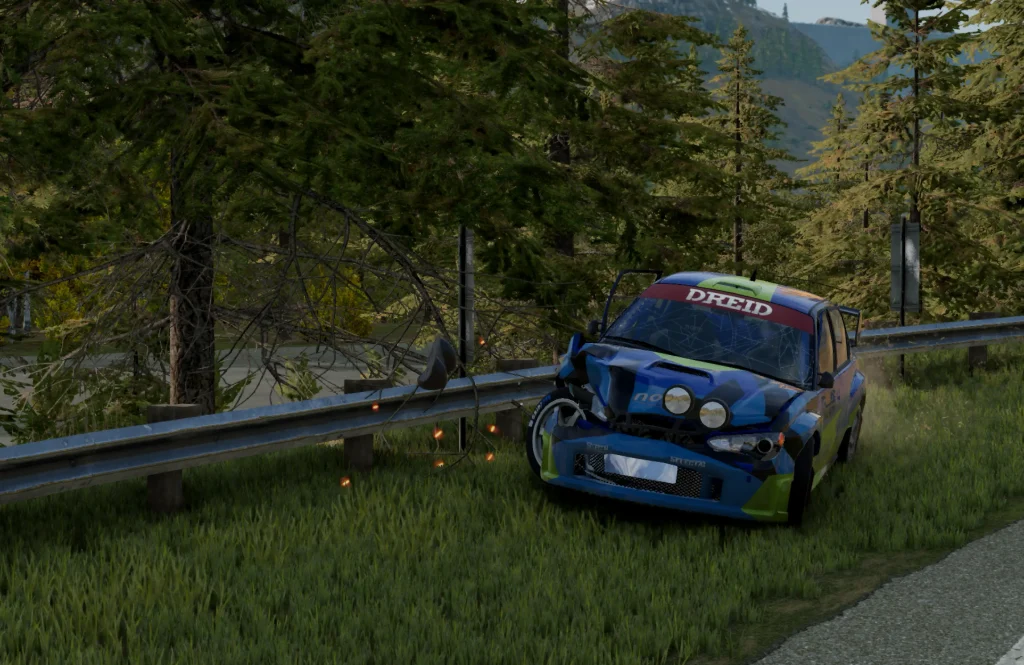
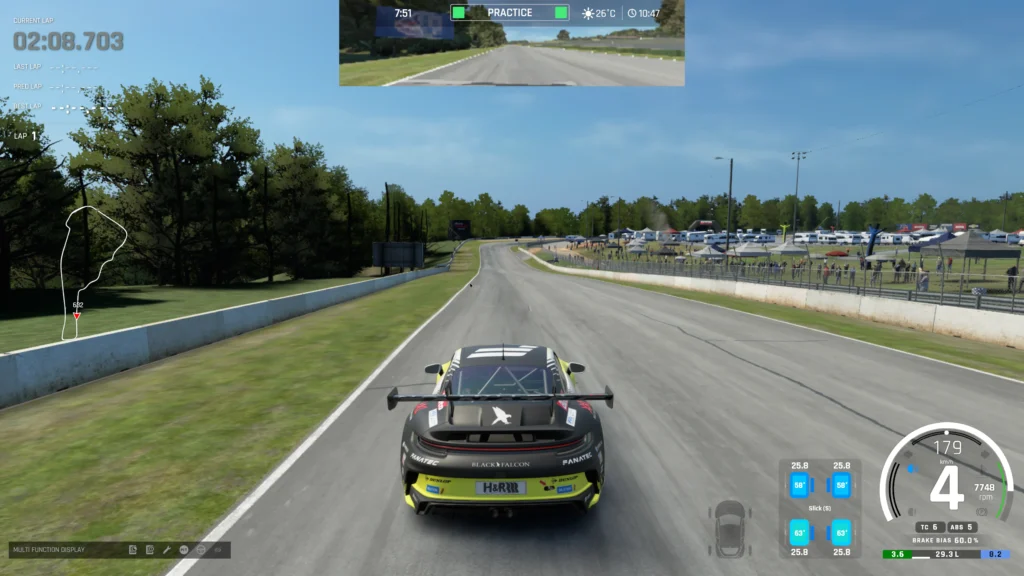
F1 25 – The game runs surprisingly well, provided that you play it offline. 60 fps on an M4 chip with medium graphics, and full FFB support via Torqer.
KartKraft – Runs well. Native force feedback via Torqer.
rFactor 2 – Runs, but requires a different graphics mode: use DXVK instead of D3DMetal. Worth the configuration effort – rFactor 2’s physics model is exceptional, and force feedback works perfectly with Torqer.
RaceRoom – Runs well with full force feedback compatibility.
Richard Burns Rally (RSF version) – The game works, though loading times are slow. Important: launch from the main executable first to confirm the game runs, not the RSF launcher, for best compatibility. RBR is also 100% compatible with Torqer native FFB (a must for a rally game!).
Live for Speed – Runs well, native FFB available through Torqer.
Euro Truck Simulator 2 – Despite having a native macOS version, FFB is not working on Mac without Torqer. We recommend using the Windows version of the game in a CrossOver bottle: force feedback then works perfectly with Torqer’s native FFB.
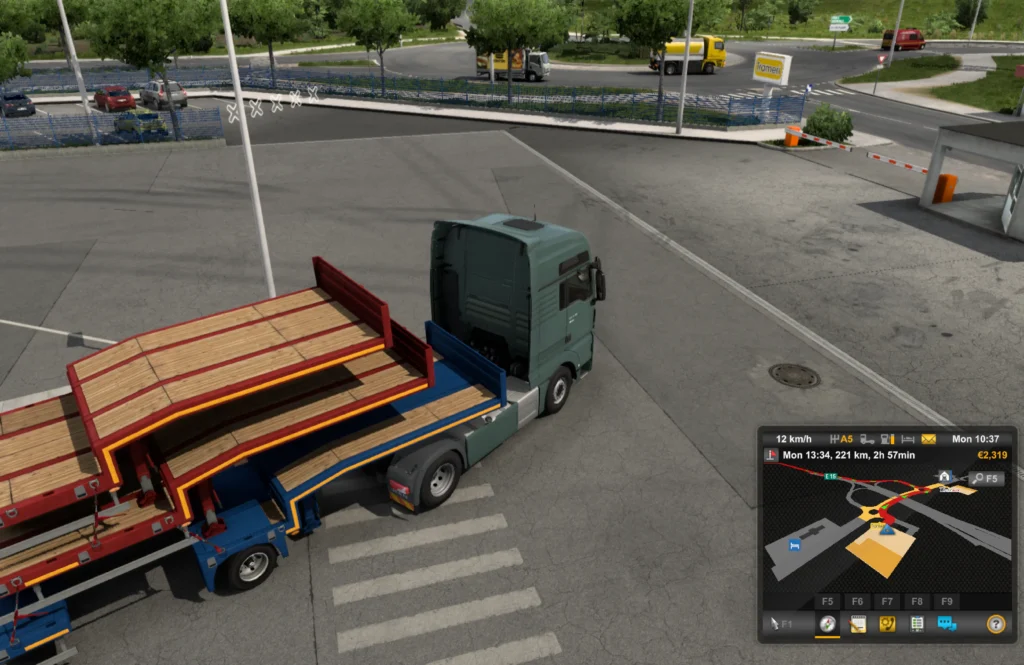
American Truck Simulator – Same as ETS2: we recommend using the Windows version running through CrossOver, with 100% FFB support via Torqer.
Doesn’t work yet
Le Mans Ultimate – Not running yet under CrossOver. Check back later.
iRacing – Anti-cheat software blocks Wine entirely. We have no workaround for now.
Quick reference
For an up-to-date CrossOver + FFB overview, check our complete game list.
Setting up CrossOver for sim racing
A few configuration decisions make a meaningful difference:
Use Windows 10 64-bit bottles. This is the right target for all current sim titles. Windows 7 compatibility mode causes unnecessary compatibility issues.
D3DMetal + MSync + DLSS for most titles. D3DMetal is CrossOver’s Metal-based DirectX translation layer – it’s fast and stable for DX11/DX12 games, which covers AC, ACC, and most of the list. MSync is a synchronization primitive that dramatically reduces CPU overhead compared to the default. Always enable it by default, and revert back to other Sync options if the game doesn’t run. DLSS also almost always benefits from being enabled by default when testing new games.
rFactor 2 exception: use DXVK. rFactor 2 works better with DXVK (a Vulkan-based DX translation layer) than D3DMetal. The default sync settings work fine here.
Install Steam inside the bottle. Buy your games through Steam as normal. Install Steam inside your CrossOver bottle, then install games through that Steam instance.
Tested versions: CrossOver 25.1.1 through 26.3 are confirmed working for the games listed above. Most titles run well on the latest version. Note: Content Manager (the popular AC mod manager) has known compatibility issues with CrossOver 26.x. If you use Content Manager, stay on 25.1.1 for now.
Racing wheels that work on Mac
macOS sees most USB and Bluetooth HID devices natively, which means many wheels register as input devices without any driver. Force feedback is a different question – it requires active software to send commands back to the wheel.
Torqer currently supports wheels from Logitech (G29, G920, G923, G Pro, RS50, G27, G25, DFGT, MOMO), Moza (R3, R5, R9, with R12/R16/R21/R25 Ultra in beta), Fanatec (CSL DD, Gran Turismo DD Pro), and Cammus (C5). Thrustmaster support is in active development. Full wheel compatibility list.
If your wheel doesn’t appear in the list, get in touch with us: we answer 100% of requests and we will work with you to make your model FFB-compatible.
Important: do not install Logitech G Hub on macOS. It conflicts with how the wheel presents itself to the system and creates more problems than it solves. Logitech wheels work without it: just plug them in and go.
Ready to try it? Download Torqer and test with your wheel. The 5-day trial includes every feature, no account needed.
Performance on Apple Silicon
Here’s what to realistically expect:
M-series chips handle sim racing well. Assetto Corsa and ACC run at 60fps easily on M2 and M3 at high settings. Push the resolution and visual quality – the frame rate will hold. An M3 Pro running ACC at 1440p high settings is a comfortable experience.
Unified memory is an advantage. Apple Silicon uses shared memory for CPU and GPU, which means an M3 with 16GB has more effective graphics memory available than a discrete GPU with 8GB VRAM. Texture-heavy mods and high-res tracks benefit from this.
MSync matters. Without it, CrossOver puts significant CPU load on synchronization primitives. With MSync enabled, CPU usage drops noticeably and frame times get more consistent. Always enable it at first, and deactivate it if you experience problems running a game.
Close background apps before a session. Safari tabs, Slack, whatever: close them. The GPU and memory pressure from browser content is real. It’s not that Macs are underpowered; it’s that macOS background processes compete for the same unified memory pool.
Make sure to enable Game Mode to make the most out of your system’s resources. This is especially important when playing taxing games, using wireless earphones, etc.
D3DMetal settings to experiment with: Anti-aliasing is where you’ll find the most performance headroom. AC and ACC both handle MSAA drops well visually. If you’re seeing frame time spikes, reduce AA before dropping other settings.
Mods – Assetto Corsa specifically
Assetto Corsa’s mod library is enormous, and most of it works on Mac. The caveat is one specific mod type that causes crashes under CrossOver.
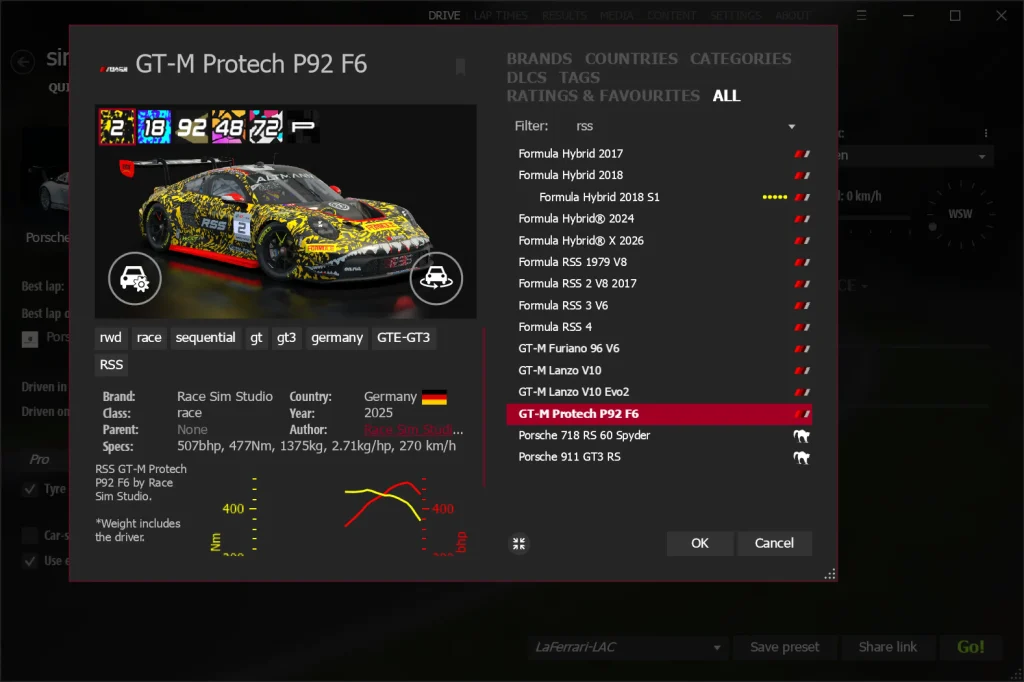
Some mod cars use CSP Extended Physics (you’ll see VERSION=extended-2 in the car’s data). This feature calls Windows APIs that don’t translate properly through CrossOver, and the game crashes when you try to load those cars.
The fix is straightforward and takes about 30 seconds per car: edit one value in the car’s data file, changing extended-2 to 2. Full instructions at Why most modded cars crash and how to fix it
Stock Kunos cars are unaffected. Most road, GT, and touring car mods work without any modification.
Content Manager: The popular mod manager for Assetto Corsa runs inside your AC CrossOver bottle. Use CrossOver 25.1.1 – Content Manager has known compatibility issues with 26.x. Once it’s running, Content Manager works normally for car and track management.
The Mac sim racing community
It’s small, but it exists and it’s growing. As Apple Silicon has removed the hardware objection, more people are building Mac sim rigs seriously.
Reddit: r/simracing and r/macgaming both have Mac-specific threads.
The honest take: most of the “Mac can’t do sim racing” reputation is outdated. The hardware and software situation changed significantly in the last two years. If you find a thread from 2022 saying it doesn’t work, it’s probably wrong now.
That’s a complete sim racing setup on Mac.
If you have questions or hit something that doesn’t match this guide, you can always get in touch.