How to play Live for Speed on Mac with force feedback (CrossOver + Torqer)
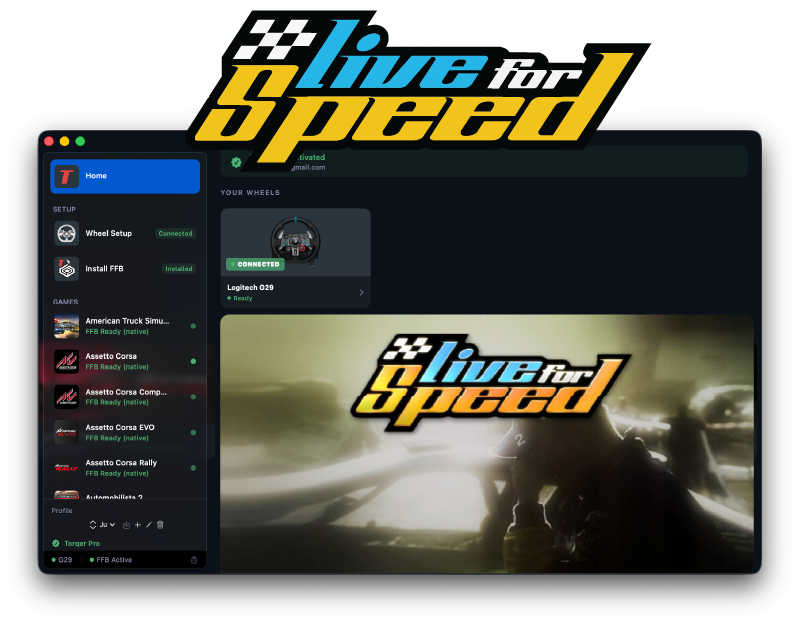
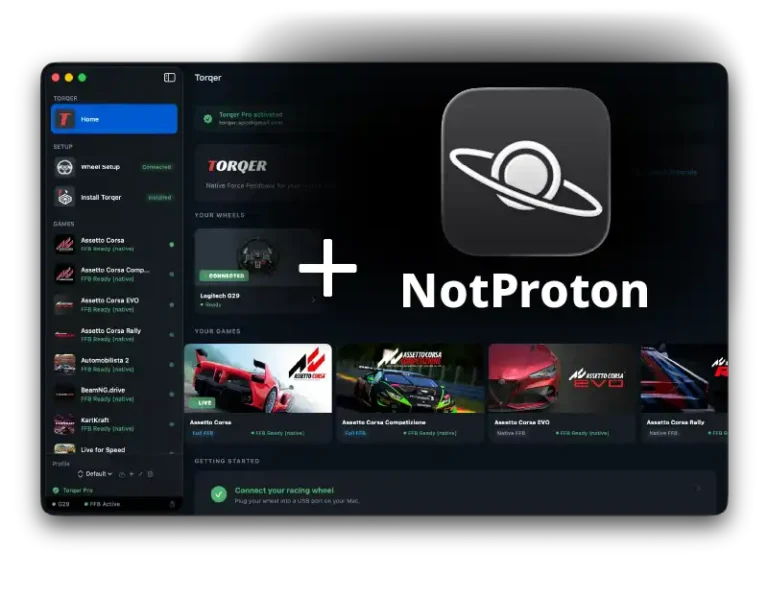
Live for Speed runs on Apple Silicon Macs through CrossOver, and with Torqer your wheel gets full native force feedback. LFS has one of the most respected FFB implementations in sim racing history: the steering feel is precise, detailed, and communicates exactly what the front tires are doing at all times. Losing that to a dead wheel would defeat the point of playing.
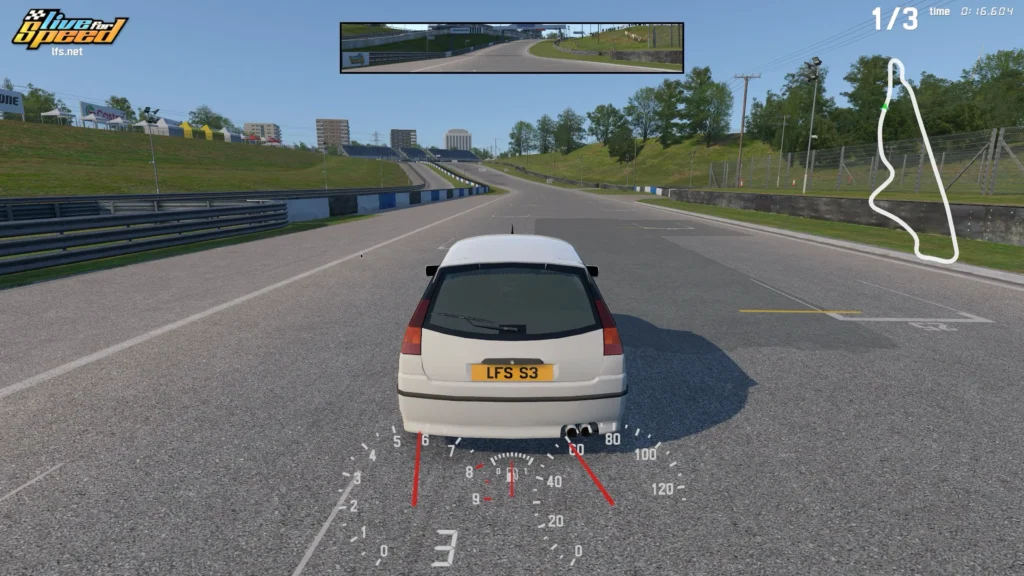
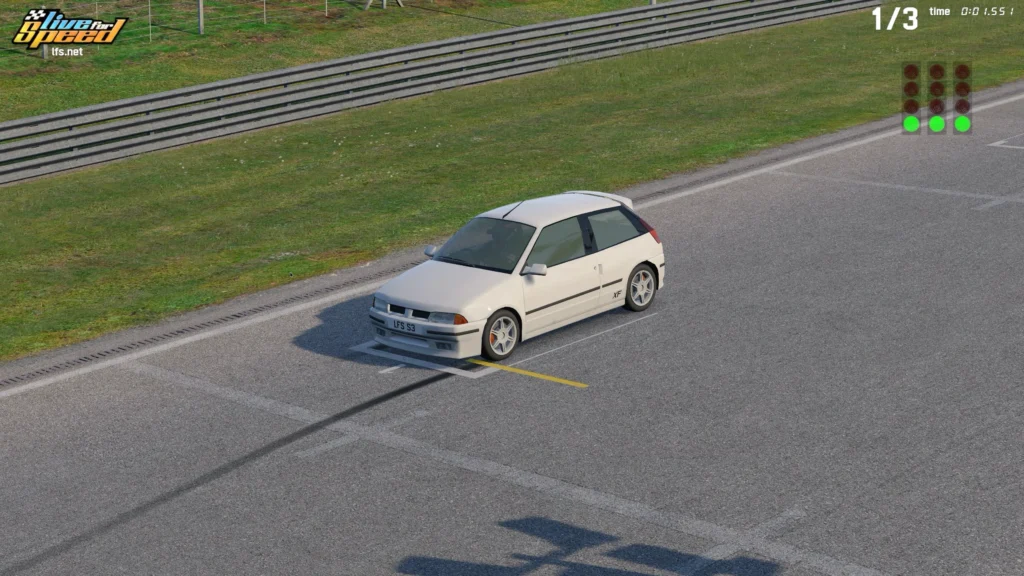
LFS is lightweight and runs smoothly on Apple Silicon. You download it directly from lfs.net, install it into a CrossOver bottle, and drive. No Steam required. It also works on Sikarugir if you prefer Wine wrappers over CrossOver, and a free demo is available from lfs.net if you want to test before buying.
What you’ll need
- A Mac with Apple Silicon (M-series) running macOS 13 or later
- A supported racing wheel (check Torqer’s supported wheels for the current list)
- CrossOver (paid app, 14-day free trial available)
- Torqer (free download, includes a 5-day full-feature trial)
- Live for Speed, downloaded from lfs.net
Step 1 – Prepare your Mac
1a. Install CrossOver
- Download CrossOver from codeweavers.com. The 14-day free trial needs no credit card.
- Drag it to your
/Applicationsfolder and launch it.
1b. Create a Windows 10 64-bit bottle
- In CrossOver, click New Bottle
- Name it something like
Live for Speed - Leave the type as Windows 10 64-bit
- Click Create
Open the bottle settings and enable:
- D3DMetal (translates Direct3D to Apple Metal)
- MSync (reduces CPU overhead from Wine’s synchronization layer)
Step 2 – Install Live for Speed
LFS is not available on Steam. Download the installer directly from lfs.net/downloads.
- Download the Windows installer (
.exe) from lfs.net - In CrossOver, select your Live for Speed bottle
- Click Run Command and browse to the downloaded
.exefile - Run the installer and follow its prompts
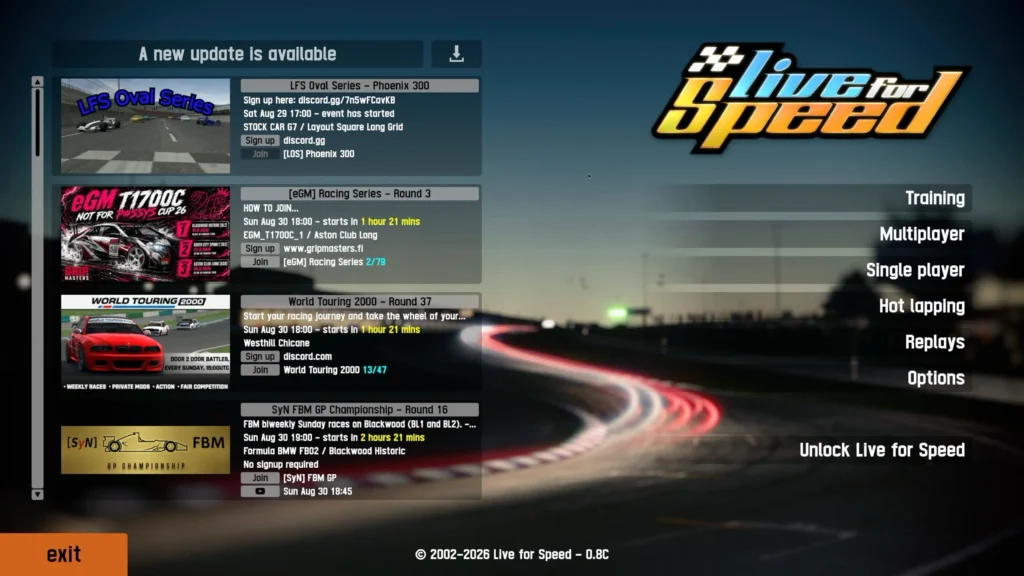
- Once installed, launch LFS from the bottle to confirm it reaches the main menu
LFS is a small download and installs quickly. The game updates itself through its built-in updater.
Tip: Enable macOS Game Mode before launching. It reduces background CPU and GPU load, which helps frame pacing in CrossOver. Guide: How to enable Game Mode on Mac for CrossOver and Wine games
Step 3 – Install Torqer and enable FFB
3a. Download and install Torqer
Download Torqer, open the DMG, and drag Torqer to your Applications folder.
Launch Torqer. On first launch it starts a 5-day trial with all features enabled, no account needed.
3b. Connect your wheel
Plug in your wheel via USB if it isn’t already. Torqer detects it automatically and shows a green connected state.
3c. Install FFB into your CrossOver bottle
- In Torqer, click Install FFB in the sidebar
- Select your Live for Speed bottle
- Click Install
This installs Torqer’s FFB components into the bottle so the game’s force feedback signal reaches the wheel.
3d. Select Live for Speed in Torqer
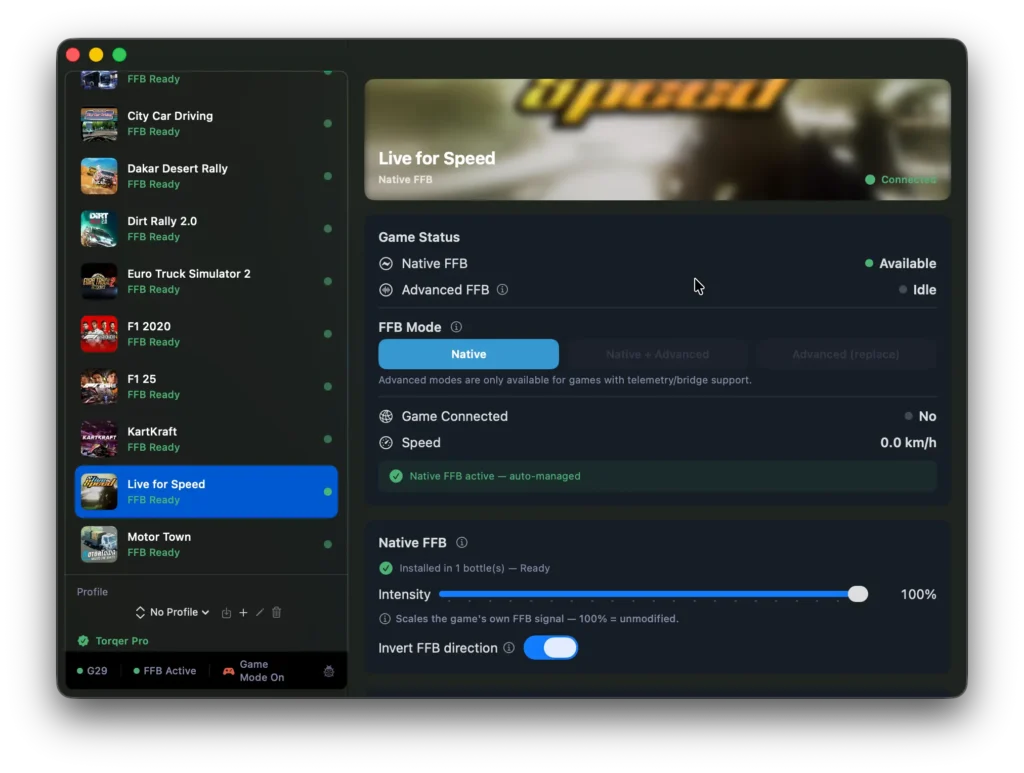
In Torqer’s sidebar, click Live for Speed. Native FFB activates automatically when the game launches.
Step 4 – Configure the wheel in-game
Launch Live for Speed through CrossOver and go to Options > Controls.
Confirm or bind:
- Steering
- Throttle and brake
- Clutch and gear shift if you use them
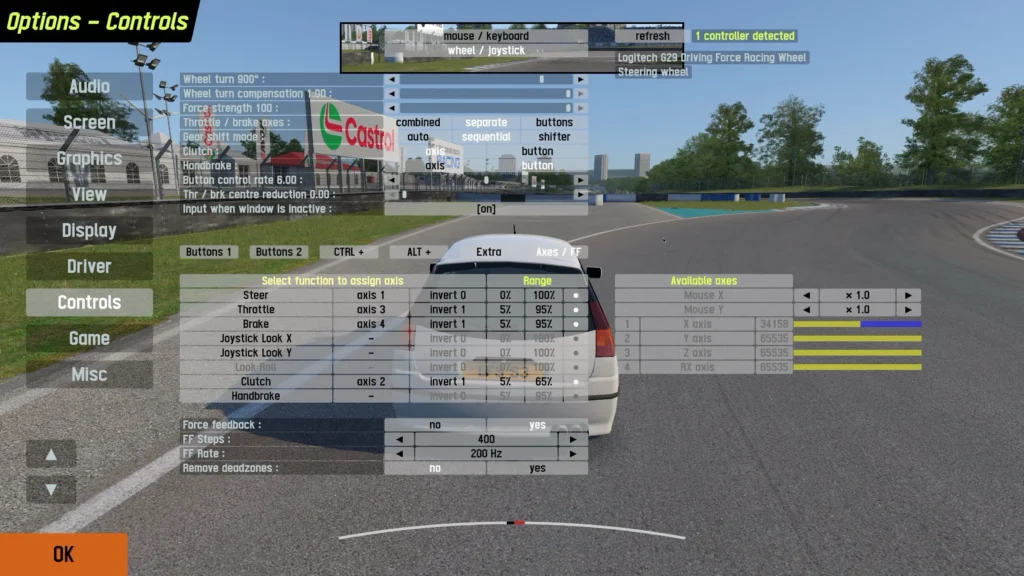
LFS has detailed FFB settings under Options > Controls > Force Feedback. The defaults work well out of the box, but if the wheel feels too light you can raise the in-game FFB strength first and then increase Native FFB Intensity in Torqer for more overall output.
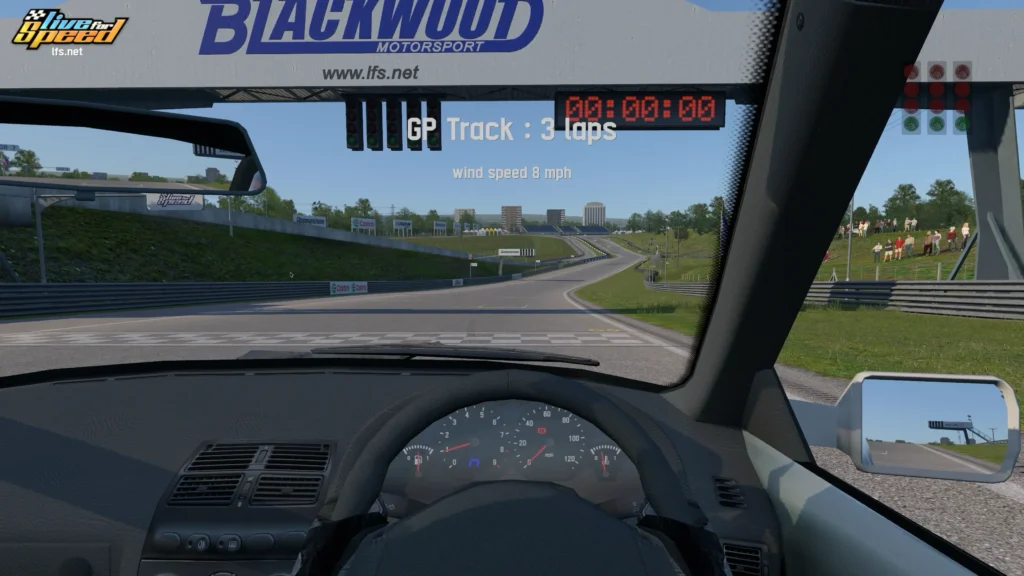
LFS is known for already having a well-tuned FFB signal, so small adjustments tend to go a long way. Start conservative and work up.
Also works on Sikarugir
If you prefer using Sikarugir (a Wine wrapper tool for macOS) instead of CrossOver, LFS works there too with full force feedback. Torqer’s setup process is the same: install FFB into the Sikarugir wrapper, launch the game, and FFB works.
For the full Sikarugir setup walkthrough, which uses LFS as its reference game: Get Force Feedback working on Sikarugir with Torqer
Before troubleshooting
If you use a Logitech wheel and Logitech G Hub is installed on your Mac, remove it.
G Hub can interfere with Torqer’s direct hardware access and prevent FFB from reaching the wheel. Open G Hub and use its uninstall flow, or drag it from /Applications to the Trash and remove its launch agent:
sudo rm /Library/LaunchAgents/com.logi.ghub.engine.plistLeave your wheel plugged in. Torqer handles the hardware directly. For more on vendor software conflicts: No force feedback on Mac? Why it happens and how to fix it
Troubleshooting
The wheel steers but there is no force feedback
Make sure Torqer is running and shows your wheel as connected before launching LFS. In Torqer, confirm FFB is installed in the correct bottle. If needed, reinstall from the Install FFB page.
Full checklist: No force feedback on Mac? Why it happens and how to fix it
FFB feels weak or vague
Raise the in-game FFB strength in Options > Controls > Force Feedback, then increase Native FFB Intensity in Torqer. LFS typically doesn’t need extreme values; if the signal still feels flat, check that the correct wheel is selected in the LFS control settings.
The installer does not run
Make sure you downloaded the Windows version of LFS (the .exe installer), not the Linux version. In CrossOver, use Run Command from the correct bottle and browse to the downloaded file.
The game runs but the wheel is not detected
Quit LFS, confirm the wheel is plugged in and showing as connected in Torqer, then relaunch. Some games need the wheel connected before they scan for input devices.
Performance issues
LFS is lightweight and should run well on any Apple Silicon Mac. If you experience stuttering, confirm Game Mode is enabled: How to enable Game Mode on Mac for CrossOver and Wine games
Tested configuration
Direct download version of Live for Speed (0.7G) · CrossOver 25.1.1 · Windows 10 64-bit bottle · D3DMetal enabled · MSync enabled · Apple Silicon MacBook Pro M4 Pro · Logitech G29 · Torqer native FFB working · Also confirmed on Sikarugir
If you run into something not covered here, you can contact us.