Do Logitech wheels work on Mac? G HUB, force feedback and every model tested
Do Logitech wheels work on Mac? G HUB, force feedback and every model tested
Plug a Logitech wheel into a Mac and macOS sees the wheel, pedals and buttons straight away, with no driver to install, so steering works in most games running through CrossOver. Force feedback is the catch: Logitech ships no Mac force feedback driver for Windows sims, and G HUB for Mac doesn’t add one, so the wheel steers but stays limp.
Torqer fixes that. It gives the G29, and nine other Logitech wheels, proper force feedback in Windows sim racing games running through CrossOver on Apple Silicon Macs.
What G HUB does on Mac (and why we recommend removing it)
On Windows, G HUB is where you set up your Logitech wheel, so it’s natural to install it first on a Mac. It won’t give you force feedback there. Logitech says so on the G29’s own spec sheet: “G HUB on Mac is used only to update Firmware” (Logitech G29 specifications). And games running in CrossOver can’t see G HUB at all, so its settings never reach them.
In our testing and support cases, having G HUB installed can also stop Torqer or the game from seeing the wheel. So our recommendation is simple: remove G HUB completely before using Torqer. You lose nothing, since it doesn’t drive the wheel in your games anyway.
To remove it:
- Quit G HUB, then use its uninstall option, or drag it from Applications to the Trash.
- Remove the background agent it leaves behind, in Terminal:
sudo rm /Library/LaunchAgents/com.logi.ghub.engine.plist - Restart your Mac, then plug the wheel back in.
Tip: If you ever need a firmware update, install G HUB, update, then remove it again the same way.
What “works on Mac” actually means for a Logitech wheel
“Works with Mac” on the box means steering input. Whether you get force feedback depends on how the game runs:
| How the game runs | Steering and pedals | Force feedback |
|---|---|---|
| Native Mac game | Yes | Depends on the port (Euro Truck Simulator 2 and American Truck Simulator have none) |
| Windows game in CrossOver | Yes | No |
| Windows game in CrossOver with Torqer | Yes | Yes |
Every Logitech wheel on Mac at a glance
| Wheel | FFB with Torqer | Good to know |
|---|---|---|
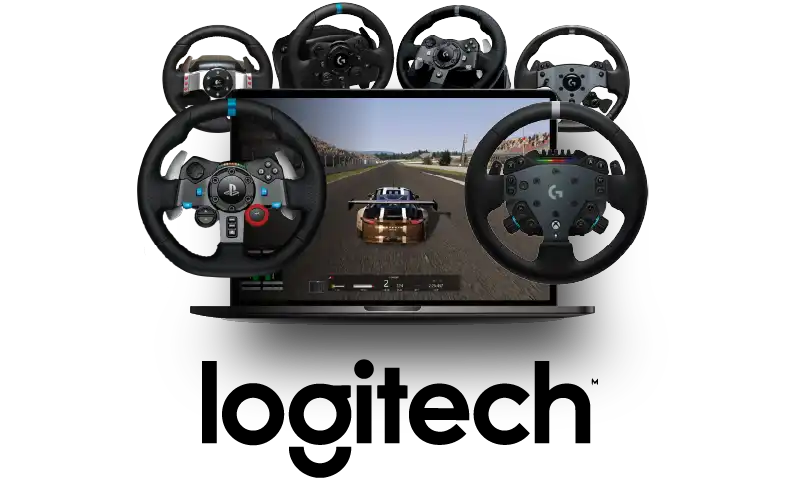
| G29 | Yes | RPM LEDs in Assetto Corsa, ETS2 and ATS |
| G923 (PlayStation / PC) | Yes | TrueForce not supported yet |
| G920 | Yes | |
| G923 (Xbox / PC) | Yes | TrueForce not supported yet |
| RS50 | Yes | PC mode only; RPM LEDs in ACC, AC Rally and AC Evo |
| G Pro | Yes | Invert FFB in RaceRoom |
| G27 | Yes | Torqer switches it to full 900° mode |
| G25 | Yes | Torqer switches it to full 900° mode |
| MOMO Racing | Yes | 270° wheel |
| Driving Force GT | Yes |
Results can vary from game to game. For the full per-game picture, see which sim racing games work on Mac.
Logitech G29 and G923 (PlayStation) on Mac
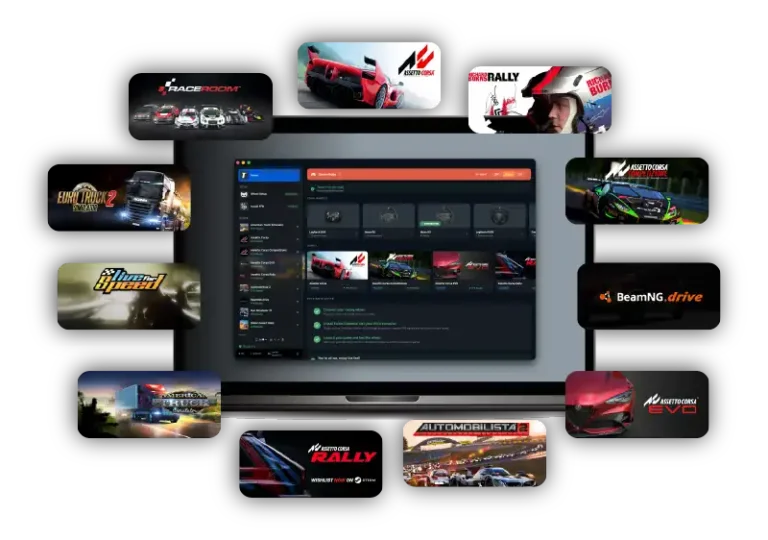
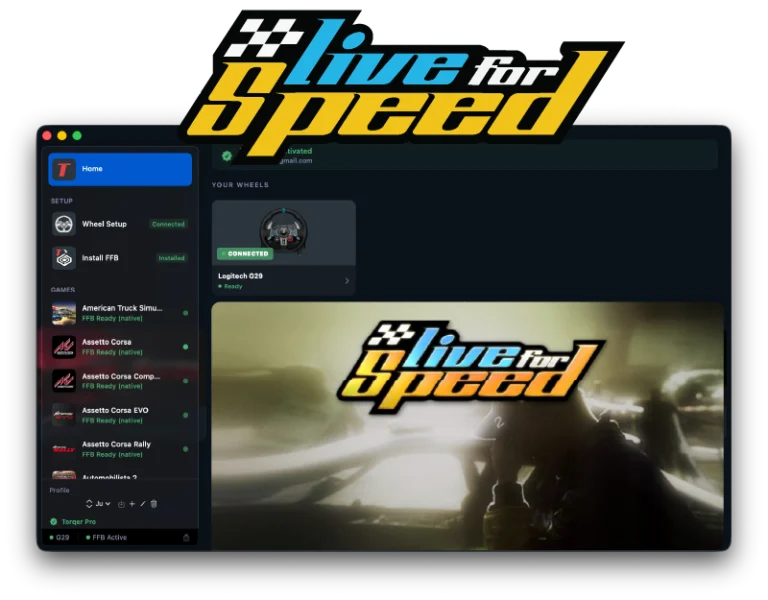
Force feedback, steering and pedals all work with the G29 in Assetto Corsa, Assetto Corsa Competizione, Assetto Corsa Rally, Automobilista 2, BeamNG.drive, RaceRoom, Live for Speed, Euro Truck Simulator 2 and American Truck Simulator. Torqer also drives the G29’s RPM LEDs in Assetto Corsa, ETS2 and ATS, and passes on the damper effects games use to add weight to the steering.
The G923 PlayStation/PC version uses the same support as the G29, with force feedback confirmed in ETS2 and ATS. TrueForce, Logitech’s high-frequency vibration layer, isn’t supported yet.
Logitech G920 and G923 (Xbox) on Mac
The Xbox versions talk to the computer differently from the PlayStation ones, and Torqer fully supports them. Force feedback is confirmed in Assetto Corsa, ACC, BeamNG.drive, Live for Speed and ETS2. Torqer shows the G923 Xbox as a G920, which is expected.
In BeamNG.drive, turn on Invert FFB in the game’s controls, or the wheel pushes the wrong way.
Logitech RS50 and G Pro on Mac
Both direct drive bases work, with the RS50 in PC mode (its PlayStation mode doesn’t work with Torqer). Force feedback is confirmed on the RS50 in Assetto Corsa, ACC, City Car Driving, BeamNG.drive and ATS. In ACC, Assetto Corsa Rally and Assetto Corsa Evo, Torqer also drives the RS50’s RPM LEDs in Advanced mode.
The G Pro is confirmed in Assetto Corsa, Assetto Corsa Rally and RaceRoom. In RaceRoom, turn on Invert FFB.
Logitech G25, G27, Driving Force GT and MOMO Racing on Mac
Older Logitech wheels start in a limited compatibility mode, capped at 200°, until a driver switches them to full mode. On a Mac there’s no Logitech driver to do that, so Torqer does it: the G25 and G27 switch to full 900° mode when Torqer sees them. The MOMO Racing works with force feedback too, confirmed in Assetto Corsa, and the Driving Force GT is supported.
Which games get force feedback with a Logitech wheel?
26 games are FFB verified on Mac so far, including Assetto Corsa, ACC, Assetto Corsa Evo, F1 25, Dirt Rally 2.0, BeamNG.drive, rFactor 2, Euro Truck Simulator 2 and American Truck Simulator. Search yours in our sim racing games compatibility list, which also covers the games that don’t work yet and why.
Download Torqer to try it with your wheel: force feedback is part of Torqer Pro, a $12 / 10€ lifetime license with a 5-day free trial.
How to set it up
- Remove G HUB if it’s installed (see above).
- Install CrossOver, create a Windows 10 64-bit bottle, and install Steam and the Windows version of your game in it.
- Download Torqer and plug in your wheel. Torqer should show it by name.
- Quit CrossOver completely and keep it closed. In Torqer, open the Install FFB page and click Install next to your bottle.
- Open CrossOver again, launch the game from your bottle, and set up the wheel in the game’s controls.
For a full walkthrough with screenshots, follow our Assetto Corsa setup guide.
Troubleshooting
- The game doesn’t see the wheel: make sure G HUB is fully removed, then unplug and replug the wheel with CrossOver closed. If it’s still missing, check whether it appears in CrossOver’s Configure Game Controllers panel for your bottle.
- RS50 has no force feedback: make sure the base is in PC mode. PlayStation mode doesn’t work with Torqer.
- The wheel pushes the wrong way: turn on Invert FFB in the game (BeamNG.drive with the G920, RaceRoom with the G Pro).
For everything else, see no force feedback on Mac: why it happens and how to fix it.
FAQ
Does the G923’s TrueForce work on Mac?
Not yet. Torqer gives the G923 full force feedback, but TrueForce, the extra high-frequency vibration layer some games add on Windows, isn’t supported yet.
Does the Logitech RS50 work on Mac?
Yes, in PC mode, with force feedback and RPM LEDs in the Assetto Corsa games that support them.
Can I use an Xbox version of a Logitech wheel on a Mac?
Yes. The G920 and G923 Xbox versions both work with Torqer.
Do I need Boot Camp or a Windows PC?
No. Boot Camp doesn’t exist on Apple Silicon Macs, and you don’t need it: the games run through CrossOver, and Torqer adds the force feedback.
Do I need G HUB to use my Logitech wheel with Torqer?
No, and we recommend removing it. On a Mac, G HUB only updates the wheel’s firmware, and having it installed can stop the game from seeing the wheel. More in what G HUB does on Mac.
Steam versions of the games listed above · CrossOver 26.3 · Windows 10 64-bit bottle · D3DMetal enabled · MSync enabled · Apple Silicon MacBook Pro M4 Pro · Logitech G29, G920, G923, G Pro, RS50, G25, G27 and MOMO Racing · Torqer native FFB working
If you run into something not covered here, you can contact us.