How to play RaceRoom on Mac with force feedback (CrossOver + Torqer)
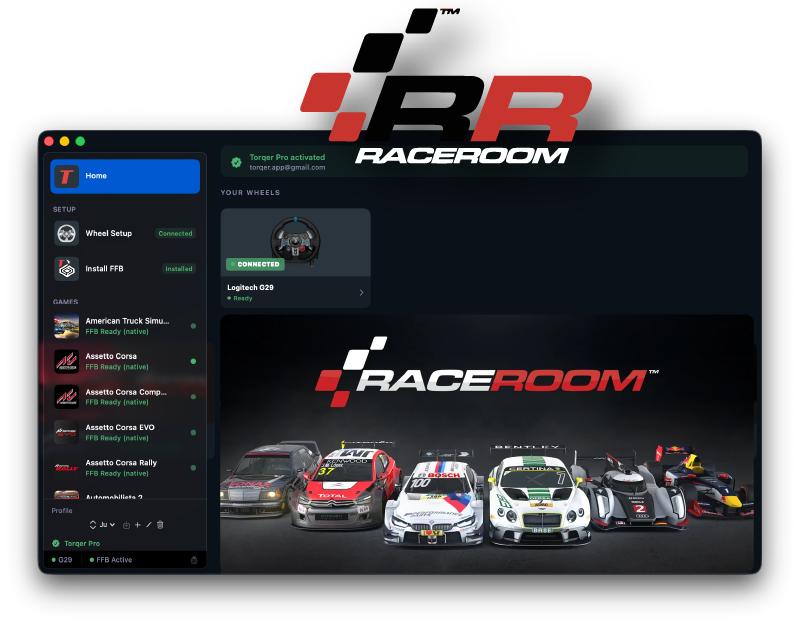
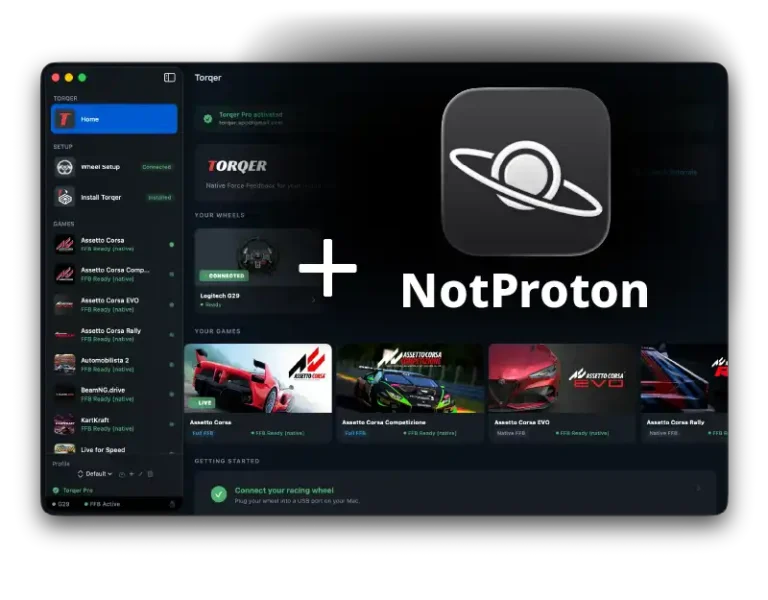
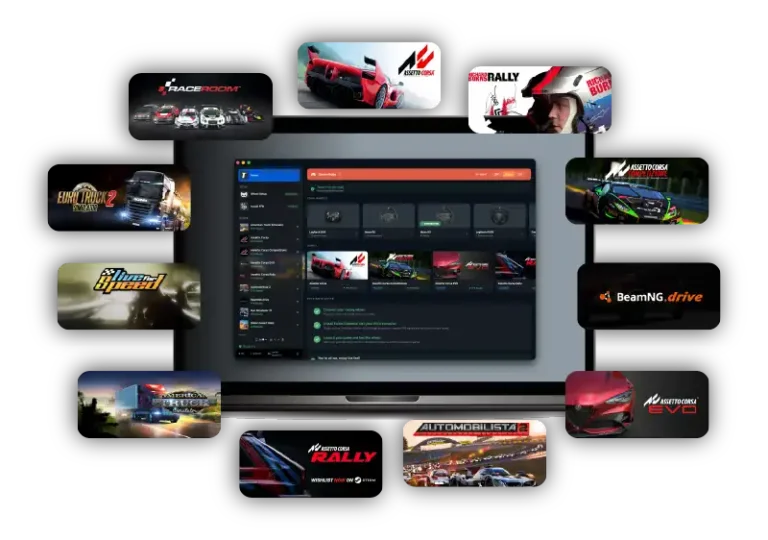
RaceRoom runs well on Apple Silicon Macs through CrossOver, and Torqer restores proper force feedback on supported wheels. That matters in RaceRoom because the sim comes alive when you can actually feel steering load build, kerb strikes land through the rim, and front-end grip start to wash away before the car gives up completely.
The verified setup is straightforward, but there is one RaceRoom-specific setting to watch: if force feedback feels backwards, make sure Invert FFB is disabled in the game’s control options. With that corrected, native FFB works properly on Mac.
What you’ll need
- A Mac with Apple Silicon (M-series) running macOS 13 or later
- A Torqer-supported wheel
- CrossOver
- Torqer, free download with a 5-day full-feature trial
- A Steam install of RaceRoom
Step 1 – Create the right CrossOver bottle
- Install and open CrossOver.
- Create a Windows 10 64-bit bottle.
- Name it something like
RaceRoomorSteam.
Open the bottle settings and enable:
- D3DMetal
- MSync
This is the verified working baseline for RaceRoom on Mac.
Step 2 – Install Steam and RaceRoom
- Select that bottle in CrossOver.
- Click Install Software.
- Install Steam.
- Sign into Steam.
- Install RaceRoom.
Launch the game once to confirm it reaches the menus, then quit it before setting up force feedback.
Tip: Enable macOS Game Mode before launching. It helps with frame pacing and background latency in CrossOver. Guide: How to enable Game Mode on Mac for CrossOver and Wine games
Step 3 – Install Torqer and enable FFB
3a. Install Torqer
Download Torqer, open the DMG, and drag Torqer to your Applications folder.
Launch Torqer. On first launch it starts a 5-day full-feature trial automatically.
3b. Connect your wheel
Plug in your wheel and confirm Torqer shows it as connected.
Note: If Torqer does not see your wheel, vendor-specific wheel software may be interfering with its USB path. On Mac, Torqer does not need that software to deliver FFB, and it often causes more trouble than it solves. Before going further, work through our no-FFB troubleshooting guide.
3c. Install Torqer into the RaceRoom bottle
- In Torqer, click Install FFB.
- Select your RaceRoom bottle.
- Click Install.
3d. Use Native FFB
RaceRoom currently uses Native FFB in Torqer. Advanced FFB is not implemented for this title at the moment.
Step 4 – Configure the wheel in RaceRoom
Launch RaceRoom through CrossOver and open the controls menu.
Confirm or bind:
- Steering
- Throttle
- Brake
- Clutch if you use one
- Shifter or paddles
Then open RaceRoom’s force feedback settings.
The important game-specific check is this:
- Invert FFB: OFF
If that option is wrong, the wheel can feel like it is pushing into the turn instead of resisting it.
After that, start with a conservative baseline:
- Overall FFB strength: moderate
- Extra canned effects: low
- Steering lock / rotation: matched to your wheel and car class
If the wheel still feels weak after that, raise Native FFB Intensity in Torqer for RaceRoom.
RaceRoom usually feels best when the main steering load stays clean and direct. If you pile on too many extra effects, you lose the useful information.
Step 5 – Expect the visuals to need minor tuning
RaceRoom runs well in the verified setup, but the graphics can look a bit washed out by default depending on your display and bottle setup.
This is separate from force feedback. If the image looks flatter than expected, treat that as a visual tuning issue rather than an FFB problem.
The core point is simpler: the game runs, the wheel works, and native FFB is there once the bottle and control settings are right.
Troubleshooting
The wheel steers, but there is no force feedback
Make sure Torqer is running before RaceRoom launches, the wheel shows as connected in Torqer, and Torqer is installed in the same bottle where RaceRoom is installed.
If you want the full generic checklist, read: our no-FFB troubleshooting guide
The wheel fights in the wrong direction
Go back into RaceRoom’s control options and make sure Invert FFB is OFF.
FFB feels weak
Raise the in-game main FFB strength first, then raise Native FFB Intensity in Torqer.
The wheel feels noisy or messy
Lower the secondary effects in RaceRoom before changing everything else. The useful part is the steering load rather than the extra buzz.
Performance feels inconsistent
Confirm D3DMetal and MSync are enabled, then enable macOS Game Mode too: How to enable Game Mode on Mac for CrossOver and Wine games
Tested configuration
Steam version of RaceRoom · CrossOver 25.1.1 · Windows 10 64-bit bottle · D3DMetal enabled · MSync enabled · Apple Silicon MacBook Pro M4 Pro · Torqer native FFB working
If you run into something not covered here, you can contact us.