No force feedback on Mac? Why it happens and how to fix it
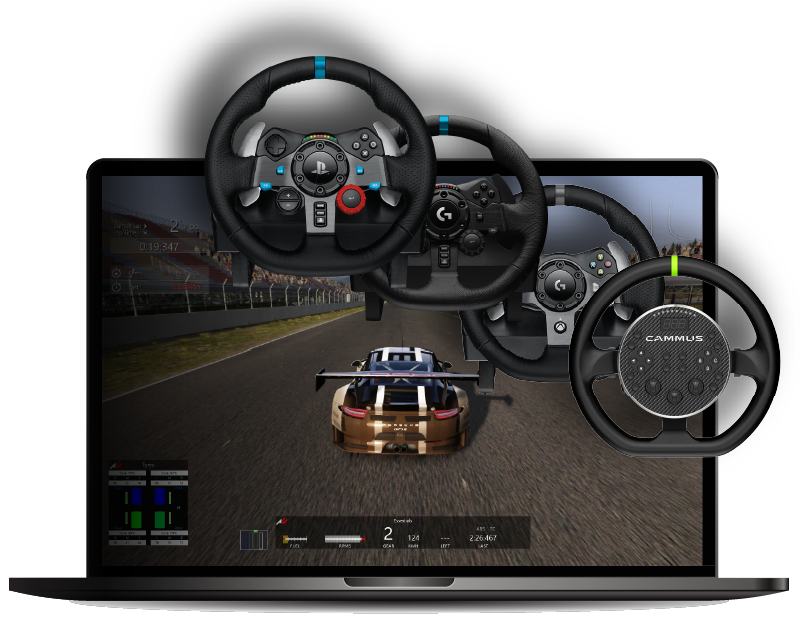
You launch the game. The wheel steers. The pedals work. The buttons map. But the wheel feels dead.
That is the standard Mac sim racing problem: input works, force feedback does not.
This article explains why that happens on macOS, what actually fixes it, and how to tell whether your issue is:
- the normal Mac FFB gap
- a Torqer setup issue
- the wrong CrossOver bottle
- a game that is not supported yet
Why force feedback breaks on Mac
On Windows, a game sends force feedback through DirectInput, the wheel driver receives it, and the driver pushes those motor commands to the hardware.
On Mac, that chain breaks.
Two things are missing:
- CrossOver/Wine does not give you a complete plug-and-play force feedback path to Logitech classic wheels
- Logitech does not provide a proper macOS force feedback driver for these wheels
That is why so many Mac users see the same pattern:
- steering works
- pedals work
- buttons work
- FFB is completely missing
So if your wheel turns but feels limp, that is not unusual and it usually does not mean the wheel is broken.
The actual fix
The practical fix is to use Torqer.
Torqer installs a small DirectInput wrapper inside your CrossOver bottle, catches the game’s FFB signal before it gets lost, then forwards it to the Torqer macOS app, which talks directly to the wheel.
In simple terms:
- the game still thinks it is sending normal Windows FFB
- Torqer intercepts it
- Torqer sends it to your Mac-side wheel connection
- the wheel finally moves like it should
That is why Torqer exists in the first place: to restore the missing FFB path for Apple Silicon Mac sim racing.
Which wheels this applies to
Torqer has verified support for a growing list of wheels.
If you are using another wheel, this article may describe the right problem but not the right fix. You can contact us to request FFB support for your exact wheel model.
The 5-step fix checklist
If you just want the shortest path to a working wheel, do this:
1. Remove Logitech G Hub if it is installed
If you’re using a Logitech wheel, G Hub may conflict with Torqer’s direct hardware access on macOS.
If it is installed, remove it before doing anything else.
You can use G Hub’s uninstall flow, or remove the launch agent after deleting the app:
sudo rm /Library/LaunchAgents/com.logi.ghub.engine.plistThen unplug and reconnect the wheel.
2. Make sure Torqer sees the wheel
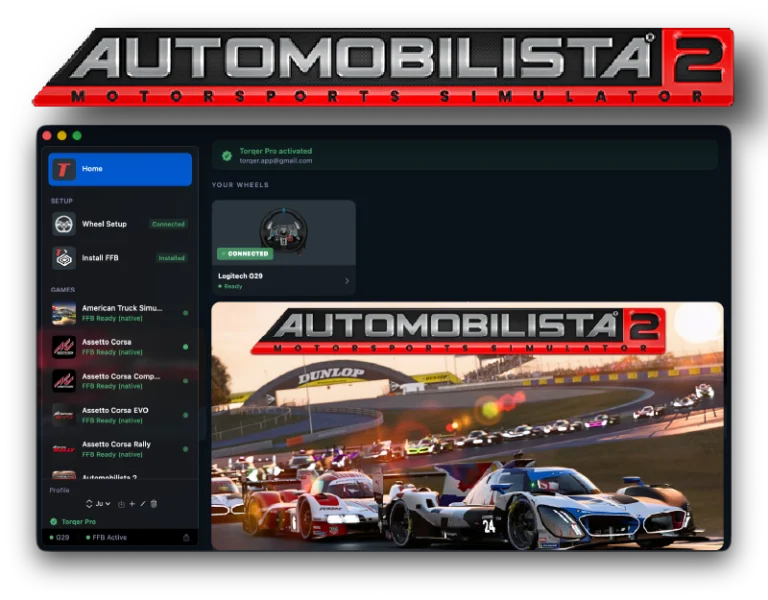
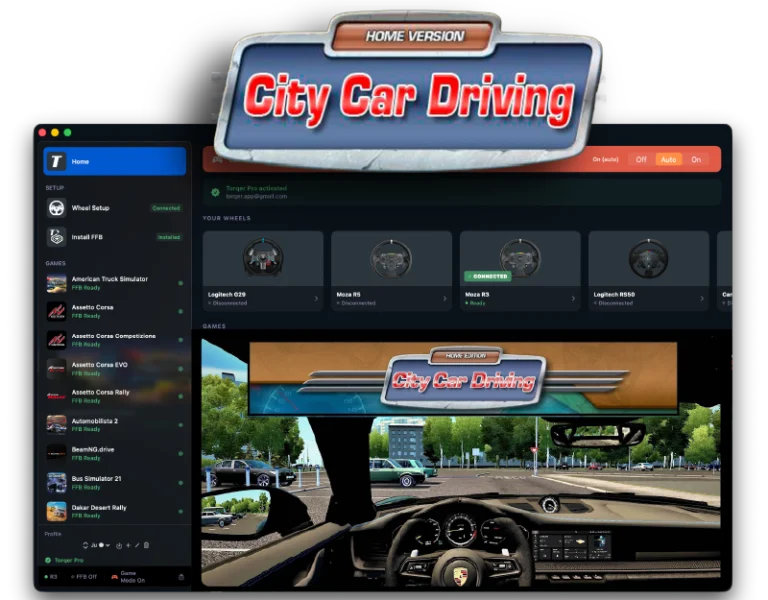
Open Torqer and check that the wheel shows as connected.
If Torqer cannot see the wheel, the game will not get force feedback either.
3. Install Torqer into the correct CrossOver bottle
This is one of the most common mistakes.
In Torqer:
- Open Install FFB
- Select the bottle where the game is actually installed
- Click Install
If you have multiple bottles, make sure you did not install Torqer into the wrong one.
4. Launch Torqer before launching the game
Torqer should already be running before you start the game through CrossOver.
5. Confirm the game itself is supported
If the game is not supported yet, Torqer cannot invent FFB support out of nothing.
You can check the current FFB-compatible game list here.
How to tell what kind of problem you have
Case 1: The wheel works in menus, but there is zero resistance on track
This is the classic Mac FFB issue.
Usually the cause is one of these:
- Torqer is not installed in the bottle
- Torqer is installed in the wrong bottle
- Torqer is not running
- the game is unsupported
Case 2: Torqer says the wheel is disconnected
This usually means:
- G Hub is still installed or still holding the device
- the USB connection is bad
- the wheel is not one of the currently supported models
Start by removing G Hub completely, then reconnect the wheel directly to the Mac if possible.
Case 3: The game launches, but FFB is still missing only in one game
That usually means a game-specific setup issue rather than a general Mac issue.
Examples:
- the game may need a specific bottle configuration
- the game may need a native FFB install in that bottle
- the game may launch but not actually support FFB correctly under CrossOver without Torqer
- the game may require an extra workaround before it runs at all
For example, F1 25 currently needs an EA AntiCheat bypass workaround before the Steam version will launch on CrossOver 26.1:
Case 4: The wheel has FFB, but it feels weak
That is a different problem.
If the wheel already responds, then the FFB path is alive. Now you are dealing with tuning:
- in-game FFB gain may be too low
- Torqer’s Native FFB Intensity may be too low
- the game may simply have a naturally lighter FFB baseline
For tuning help, read:
Common mistakes that cause “no FFB”
Installing Torqer in the wrong bottle
This is probably the number one mistake.
If your Steam bottle is called Steam, but the game is actually in another bottle, Torqer has to be installed where the game really lives.
Forgetting to relaunch the game after installing FFB
Some games only load the DirectInput path at startup.
If you installed Torqer while the game was already running, quit the game fully and launch it again.
Expecting Mac-native Logitech software to fix it
It will not.
The issue is not “missing wheel calibration software”. The issue is the missing force feedback path.
Assuming every driving game has FFB support under CrossOver
Some games work immediately once Torqer is installed. Some need special setup. Some are still not supported. Some fail for reasons unrelated to FFB, such as anti-cheat or renderer issues.
That is why game-specific guides matter.
What the fix looks like in practice
For most supported games, the working flow is:
- Install the game in a CrossOver bottle
- Open Torqer
- Confirm the wheel is connected
- Install Torqer FFB into that bottle
- Launch the game
- Drive
If you want examples, start here:
- How to set up Force Feedback for Assetto Corsa on Mac
- How to play American Truck Simulator on Mac with force feedback
- How to run The Crew 2 on Mac with force feedback
If you still have no FFB
Run this checklist in order:
- Confirm Torqer supports your wheel
- Confirm Torqer shows the wheel as connected
- Confirm G Hub is gone
- Confirm Torqer is installed in the correct bottle
- Confirm the game is supported
- Fully quit and relaunch the game
- Raise in-game FFB gain before assuming the wheel is dead
If all of that checks out and there is still no FFB, the next question is no longer “why does Mac have no force feedback?” The next question is “what is special about this game or this bottle?”
At that point, the best next step is the game-specific guide on the Torqer resources page, or contacting us with the exact game, wheel, CrossOver version, and bottle setup.
Force feedback on Mac is not missing because you configured one slider wrong. It is missing because the normal Windows FFB path does not survive the trip to macOS by itself.
Once that path is restored with Torqer, Mac sim racing starts feeling normal again.