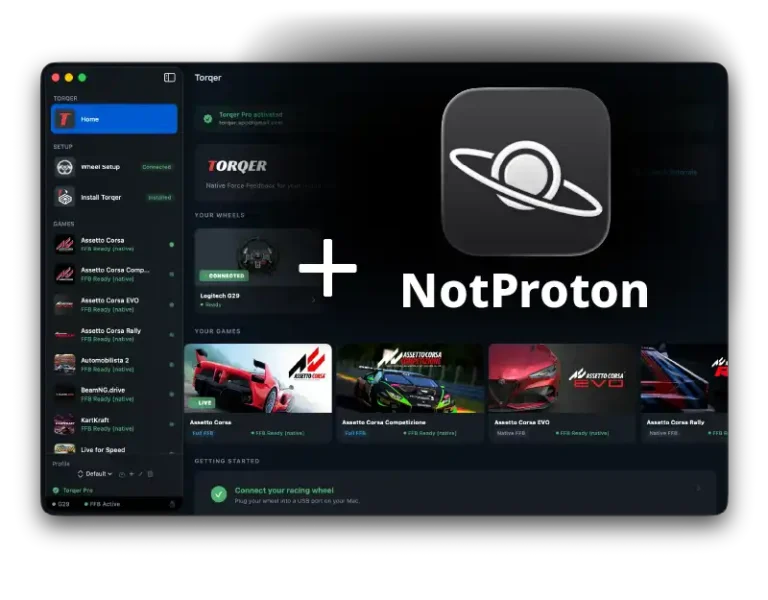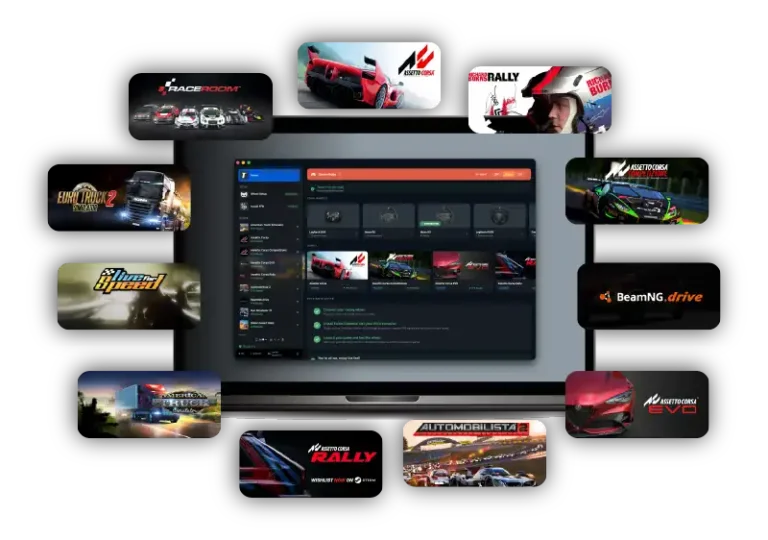
How to play Automobilista 2 on Mac with force feedback (CrossOver + Torqer)
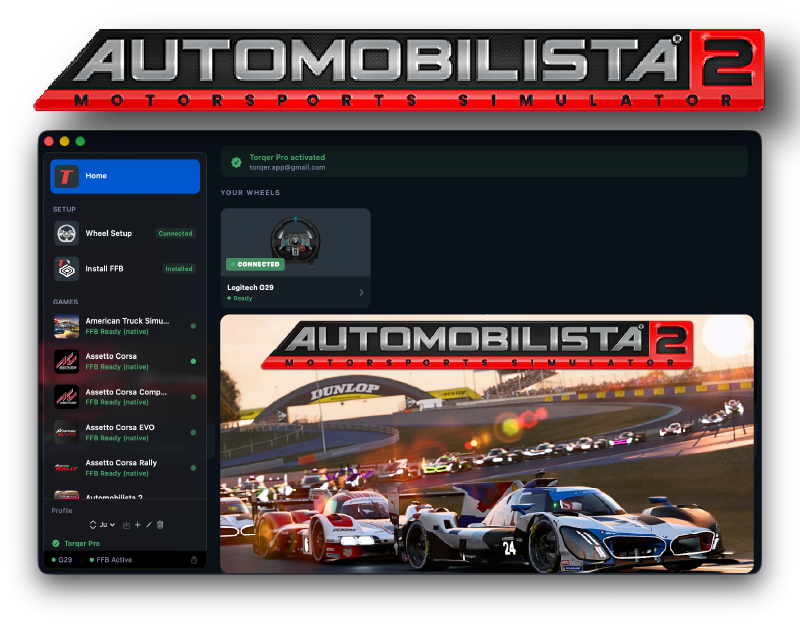
Automobilista 2 runs very well on Apple Silicon Macs through CrossOver, and Torqer restores proper force feedback on supported wheels. That matters in AMS2 because the game is at its best when you can actually feel front-end load, weight transfer, and the moment the car starts to move around under you.
The one real caveat is easy to describe: if you minimise the game and then come back to it, AMS2 can lose all inputs, including the wheel. At that point the reliable fix is to restart the game. Outside that quirk, the setup works well. This guide covers the verified working path.
What you’ll need
- A Mac with Apple Silicon (M-series) running macOS 13 or later
- A Torqer-supported wheel
- CrossOver
- Torqer, free download with a 5-day full-feature trial
- A copy of Automobilista 2 (ideally from Steam)
Step 1 – Create the right CrossOver bottle
- Install and open CrossOver.
- Create a Windows 10 64-bit bottle.
- Name it something like
AMS2orSteam.
Open the bottle settings and enable:
- D3DMetal
- MSync
This is the verified working baseline for AMS2 on Mac.
Step 2 – Install Steam and Automobilista 2
- Select that bottle in CrossOver.
- Click Install Software.
- Install Steam.
- Sign into Steam.
- Install Automobilista 2.
Launch the game once to confirm it reaches the menus, then quit it before setting up force feedback.
Tip: Enable macOS Game Mode before launching. It helps with frame pacing and background latency in CrossOver. Guide: How to enable Game Mode on Mac for CrossOver and Wine games
Step 3 – Install Torqer and enable FFB
3a. Install Torqer
Download Torqer, open the DMG, and drag Torqer to your Applications folder.
Launch Torqer. On first launch it starts a 5-day full-feature trial automatically.
3b. Connect your wheel
Plug in your wheel and confirm Torqer shows it as connected.
Note: If Torqer does not see your wheel, other vendor-specific software may be interfering with its USB path. For Torqer to work properly, we recommend you fully uninstall vendor software and drivers like Logitech G Hub, etc. On Mac, such software is not needed for Torqer FFB to work, and often does more harm than good.
3c. Install Torqer into the AMS2 bottle
- In Torqer, click Install FFB.
- Select your AMS2 bottle.
- Click Install.
3d. Use Native FFB
Automobilista 2 currently uses Native FFB in Torqer. Advanced FFB is not implemented for this title at the moment.
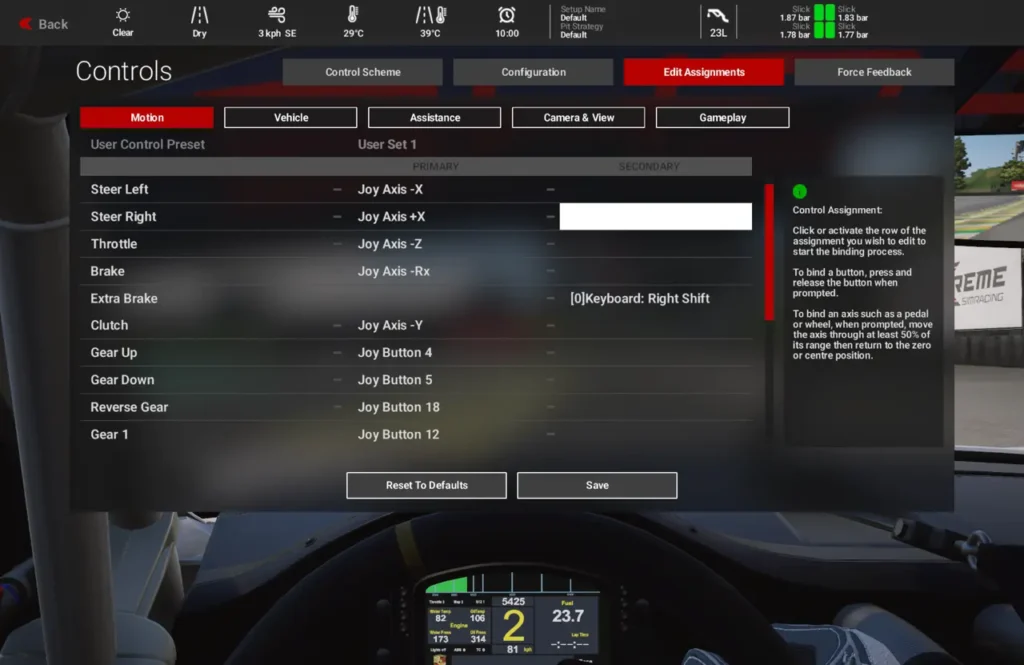
Step 4 – Configure the wheel in AMS2
Launch Automobilista 2 through CrossOver and open the controls menu.
Confirm or bind:
- Steering
- Throttle
- Brake
- Clutch if you use one
- Shifter or paddles
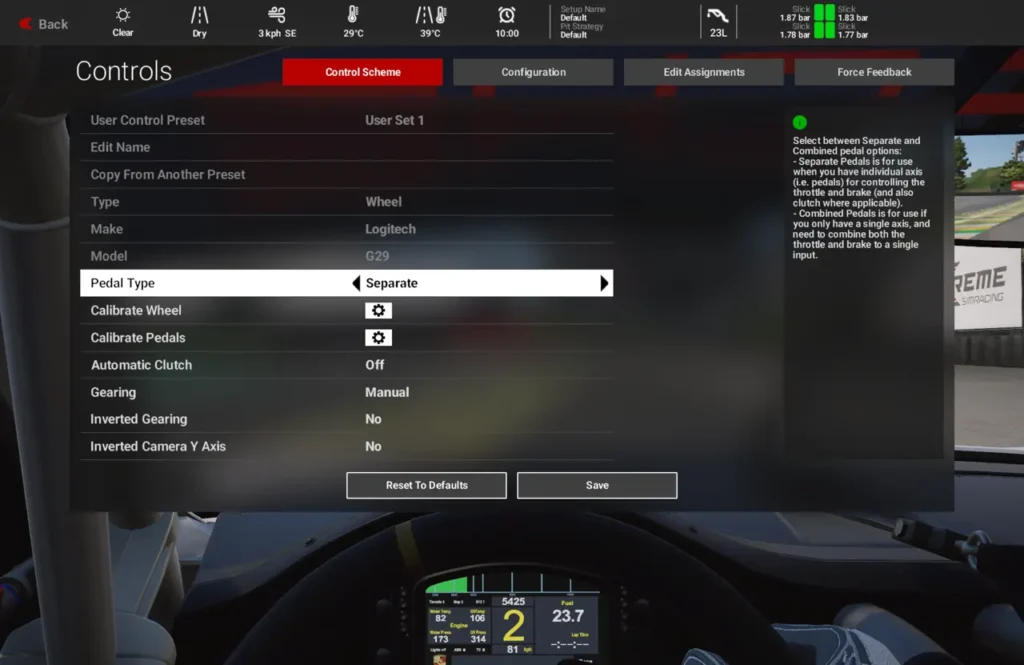
Then set the force feedback up with a sensible baseline instead of maxing everything immediately.
Good starting points:
- Gain / Master FFB:
70–90% - Low Force Boost: low
- FX: low to moderate
- Damping: low to moderate
If the wheel still feels light after that, raise Native FFB Intensity in Torqer for Automobilista 2.
AMS2 usually feels better with a clear main steering signal and restrained secondary effects. Too much FX adds noise faster than it adds information.
Notice – Do not minimise the game mid-session
This is the main AMS2-specific gotcha on Mac.
The verified behavior on both CrossOver 25.1.1 and CrossOver 26.1.0 is:
- the game runs well
- native FFB works
- but if the game is minimised and then focused again, inputs can be lost
If that happens, restart the game. Right now that is the reliable workaround.
So the practical rule is simple: once AMS2 is running properly, leave it in the foreground.
Troubleshooting
The wheel steers, but there is no force feedback
Make sure Torqer is running before AMS2 launches, the wheel shows as connected in Torqer, and Torqer is installed in the same bottle where AMS2 is installed.
If you want the general checklist, read: our no-FFB troubleshooting guide
The wheel worked, then stopped after tabbing out or minimising
This is the known AMS2 issue in the current verified setup. Restart the game.
FFB feels weak
Raise the in-game main FFB strength first, then raise Native FFB Intensity in Torqer.
The wheel feels busy or vague
Lower FX before changing everything else. In AMS2, too much secondary effect can hide the useful steering load.
Performance feels inconsistent
Confirm D3DMetal and MSync are enabled, then enable macOS Game Mode too: How to enable Game Mode on Mac for CrossOver and Wine games
Tested configuration
Steam version of Automobilista 2 · CrossOver 25.1.1 and 26.1.0 · Windows 10 64-bit bottle · D3DMetal enabled · MSync enabled · Apple Silicon MacBook Pro M4 Pro · Torqer native FFB working
If you run into something not covered here, you can contact us.